Contact Center of the Future
Controlling Cost with AI
Google: 2018 - 2023
Title: UX Design Manager
Reports: 2 L5 UXD, 1 L4 UXD, 1 TVC

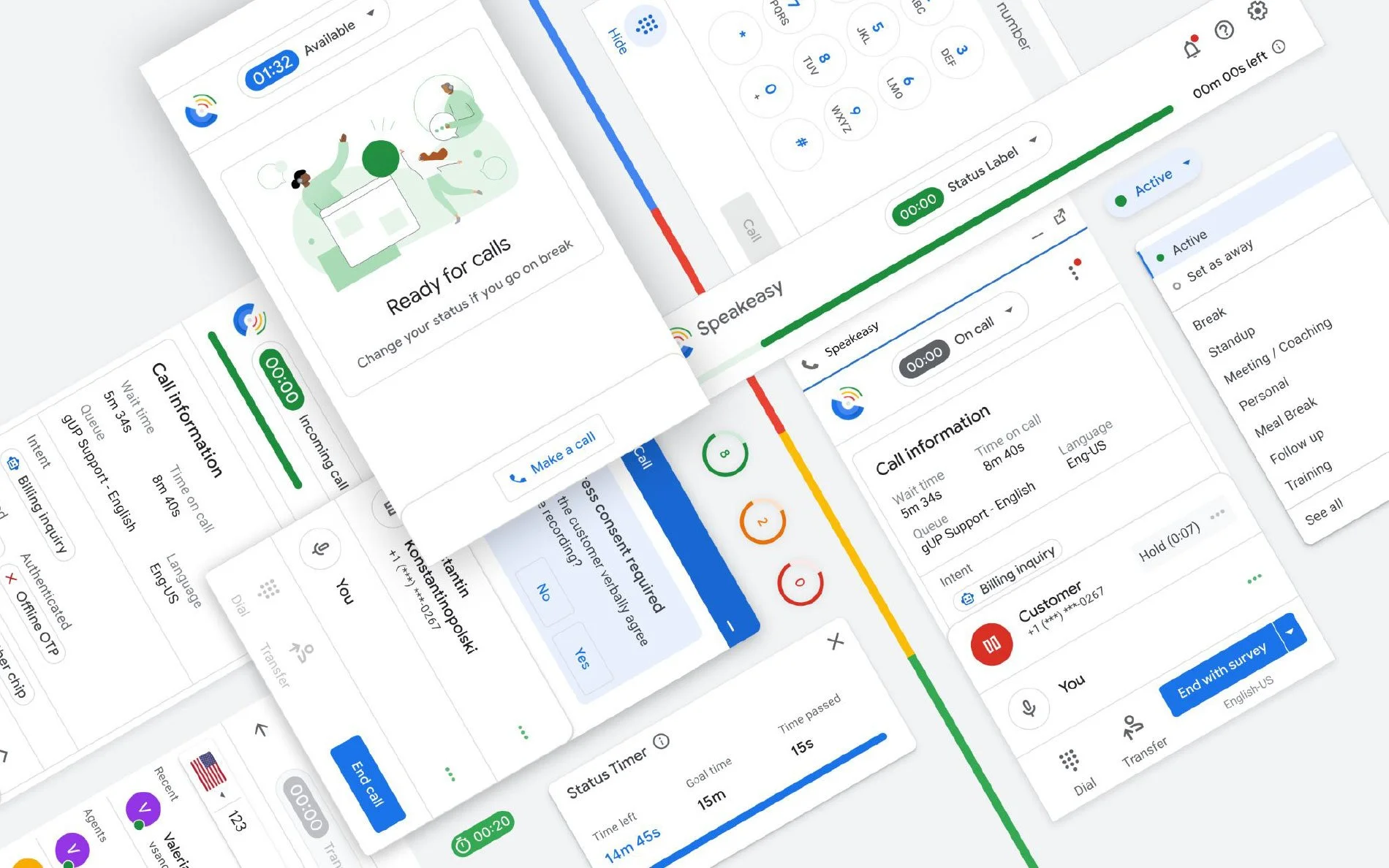
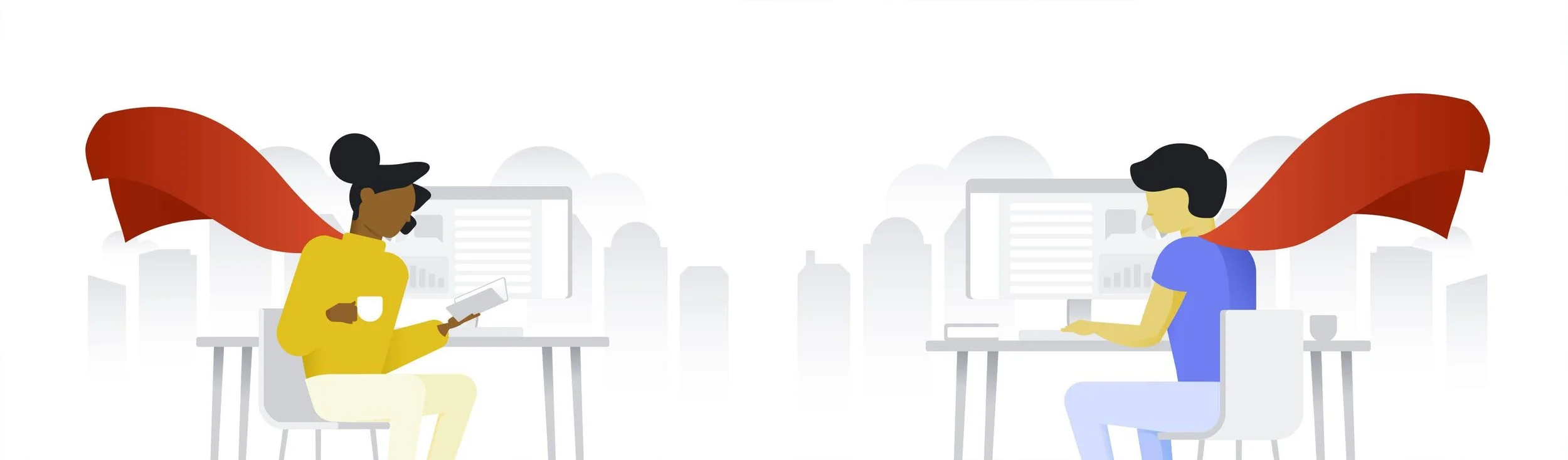
By 2018, Google’s supported product portfolio had grown exponentially compared to just 5 years prior, with no end in sight. Phones, watches, tablets and laptops, connected home devices, TV & media, Workspace, Ads, Search and Maps, etc. needed a human agent on standby if something went wrong. The cost of supporting these products with staffed contact centers risked exploding out of control. I was brought in to build and lead a UX team responsible for all contact center tools (excluding the CRM). The software telephone, Google Business Messaging asynchronous chat, Supervisory & Quality Assurance tools, and Sales lifecycle management were all under my remit.
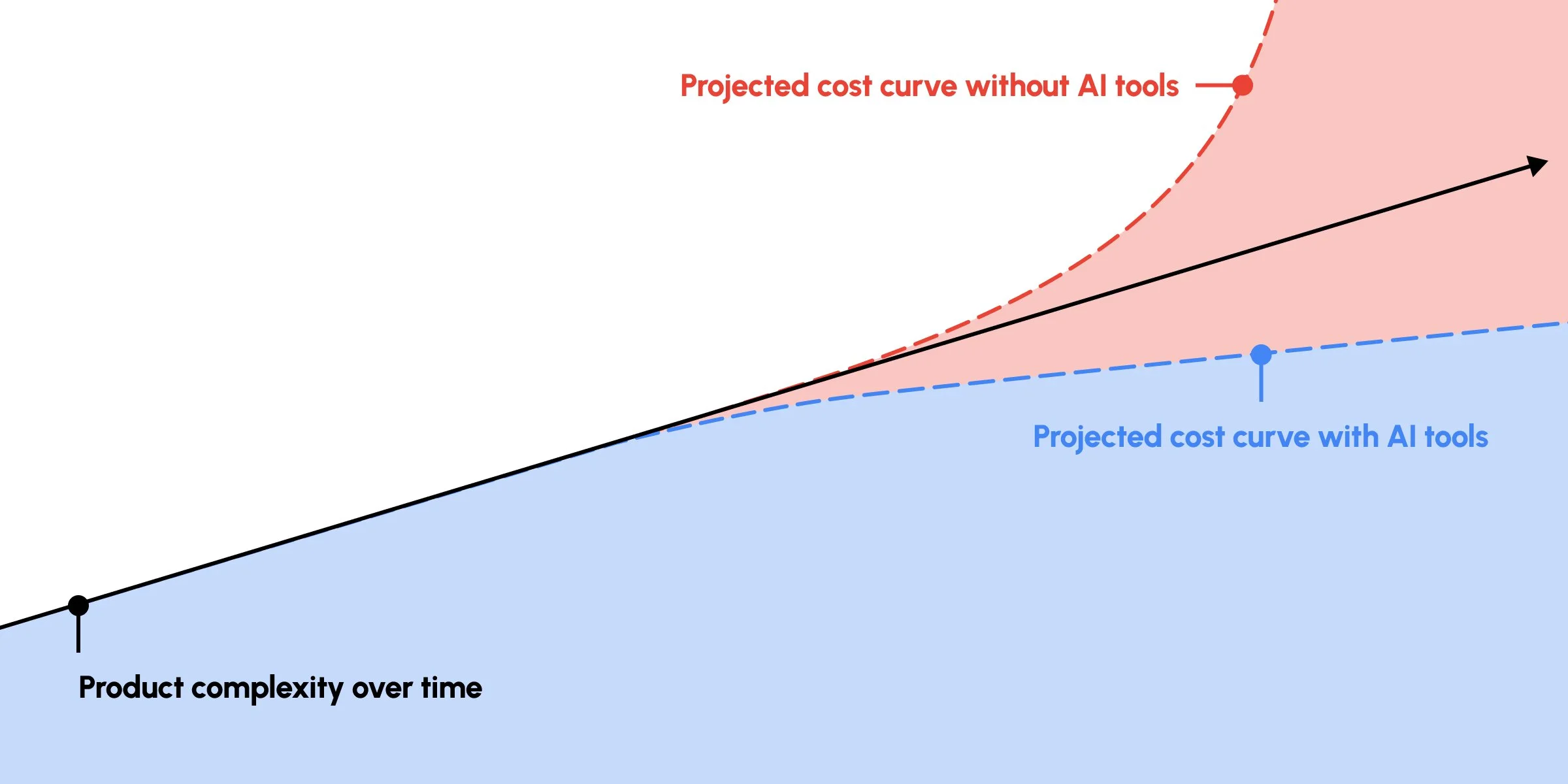
Our objective was to ensure that as product proliferation progressed, the unit-cost of serving those products dropped without causing a decrease in customer satisfaction.
In-practice, this meant that through a mix of human and AI assisted product support, we could create super-agents. We focused on were giving Supervisors and Quality Assurance teams better tools to ensure everyone delivered the highest quality of service to customers, providing customers more diverse channels to communicate on, and equipping Agents with real-time AI-assistance to help them do more, more quickly.
The Business Case
As Google product proliferation increased, we needed to establish a sub-linear cost curve for supporting these products without causing a decrease in customer satisfaction.
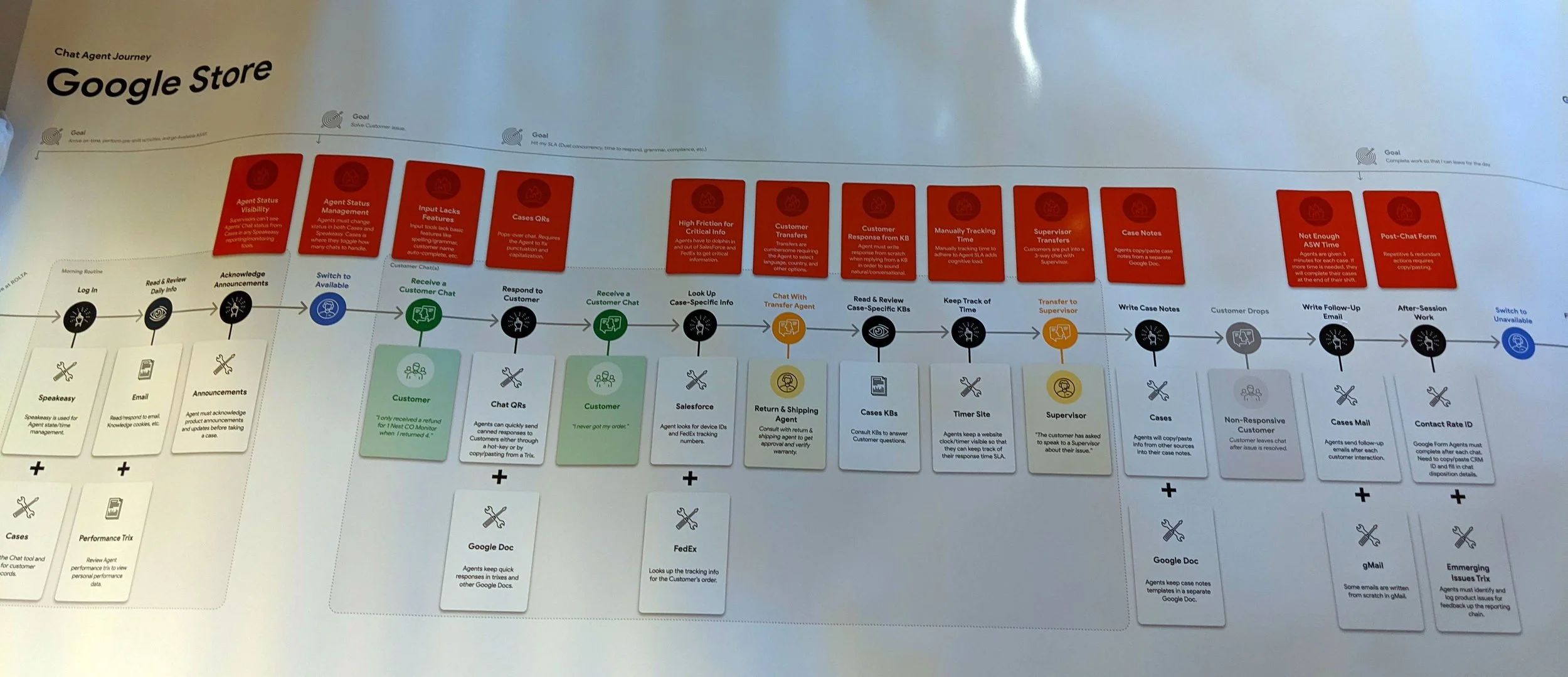
Agent call lifecycle
The User Journey
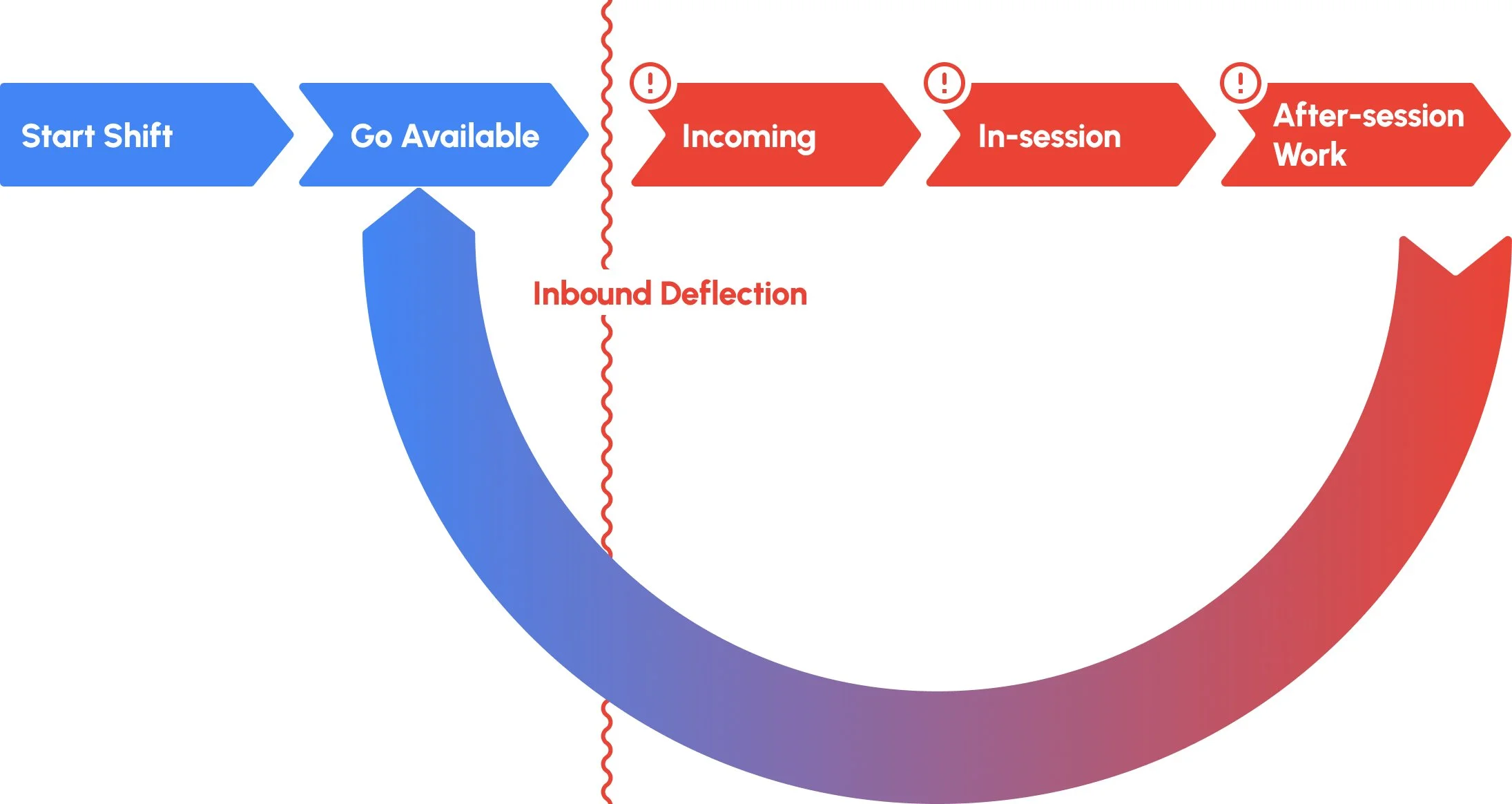
There were two levers we could adjust to create a sub-linear cost-curve:
Ensure fewer sessions (calls/chats) reached agents via inbound deflection
Ensure agents were able get through a session & after-session work as fast as possible, so that they could handle more sessions per shift.
All of this needed to happen without negatively impacting customer satisfaction.
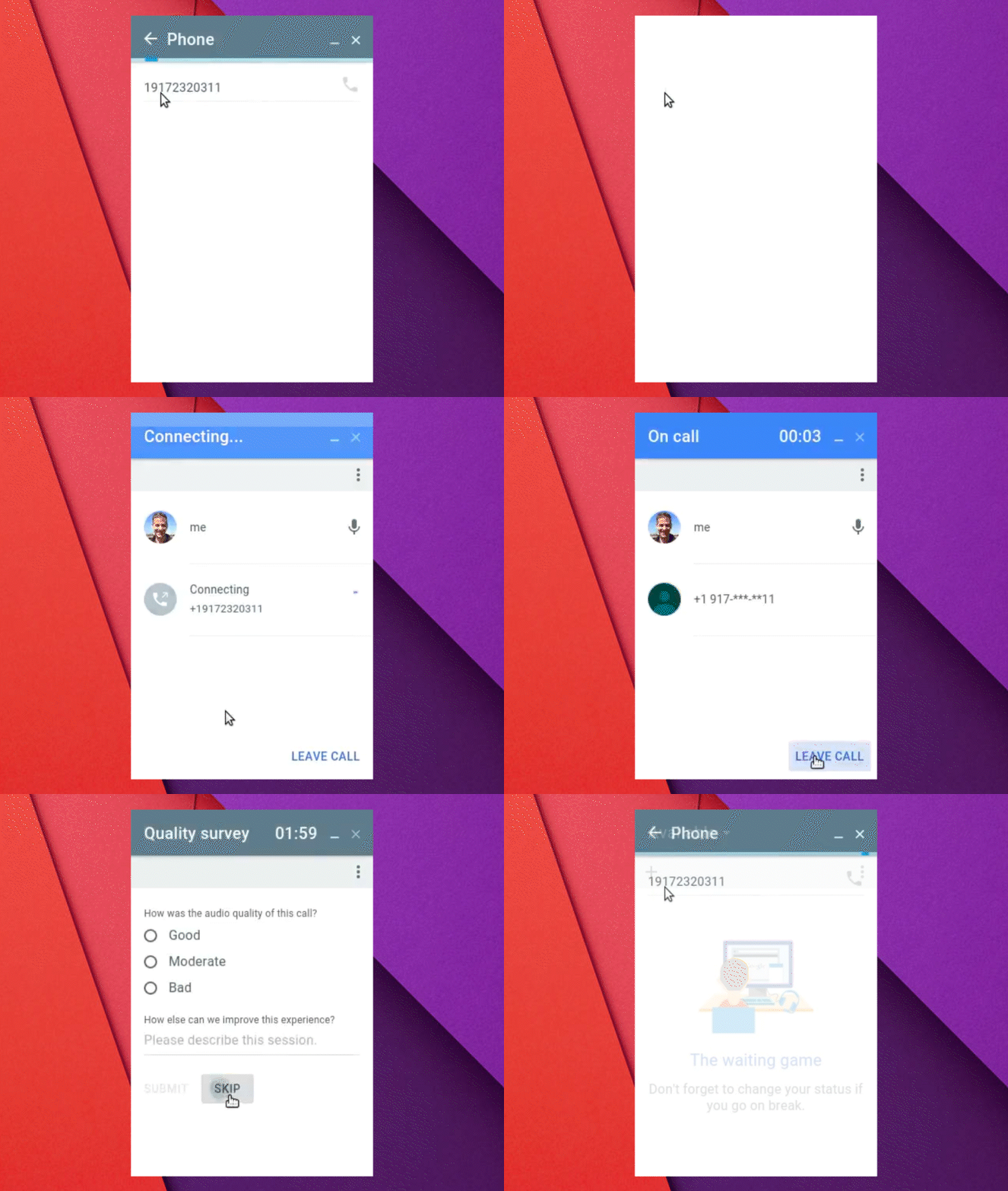
Our Starting Point
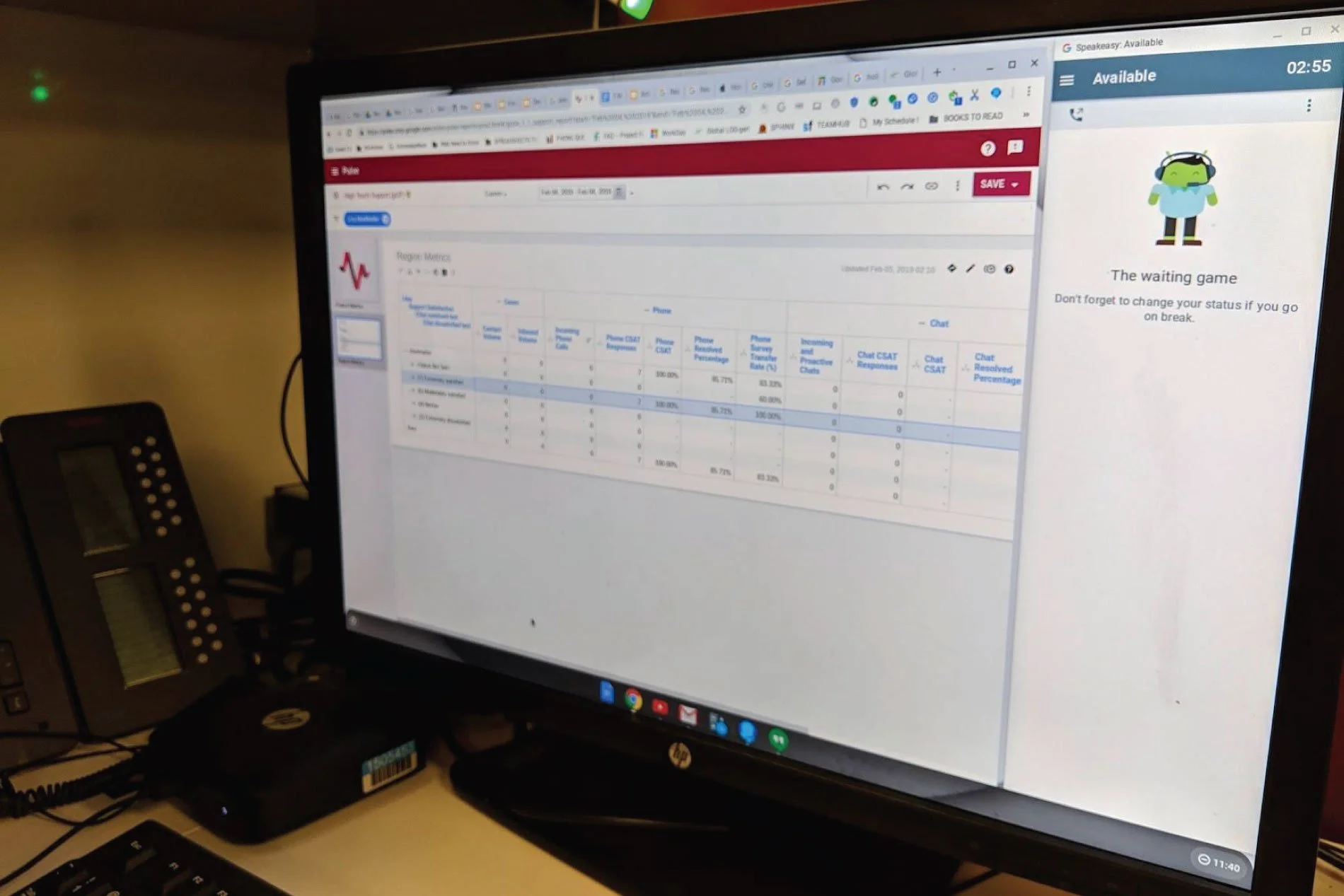
Contact center tools didn’t exist when I started on the team, just a software telephone called Speakeasy. It was a basic phone dialer and didn’t contain any features that could make agents faster, more efficient, more effective, or able to handle more calls per day. What it needed to be successful:
Multi-modal communication options: Meet customers where they are, force them to channel-hop as little as possible.
AI-powered next-best actions: Quickly assess the customer’s need, and then to take a next-best-action (NBA) on a resolution path via AI-guided assessment and decision-making.
AI-assisted operational efficiency: Apply AI-aided tools across the CCB in quality assurance, training, staffing, and call deflection.
Integrated suite of tools: Create AI-powered tool surfaces for other user types so that their workflows could be made more efficient as well.
Learning Fast
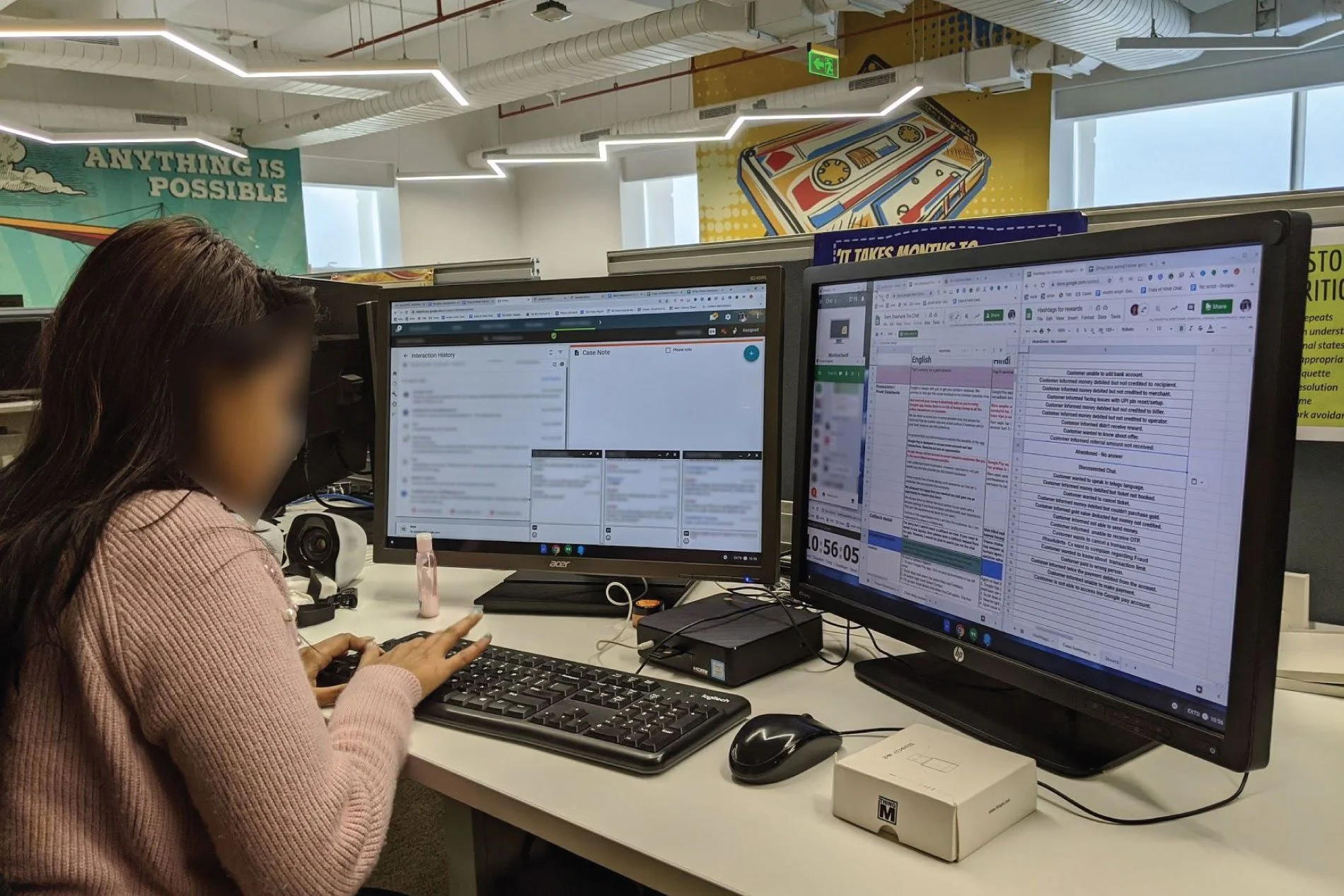
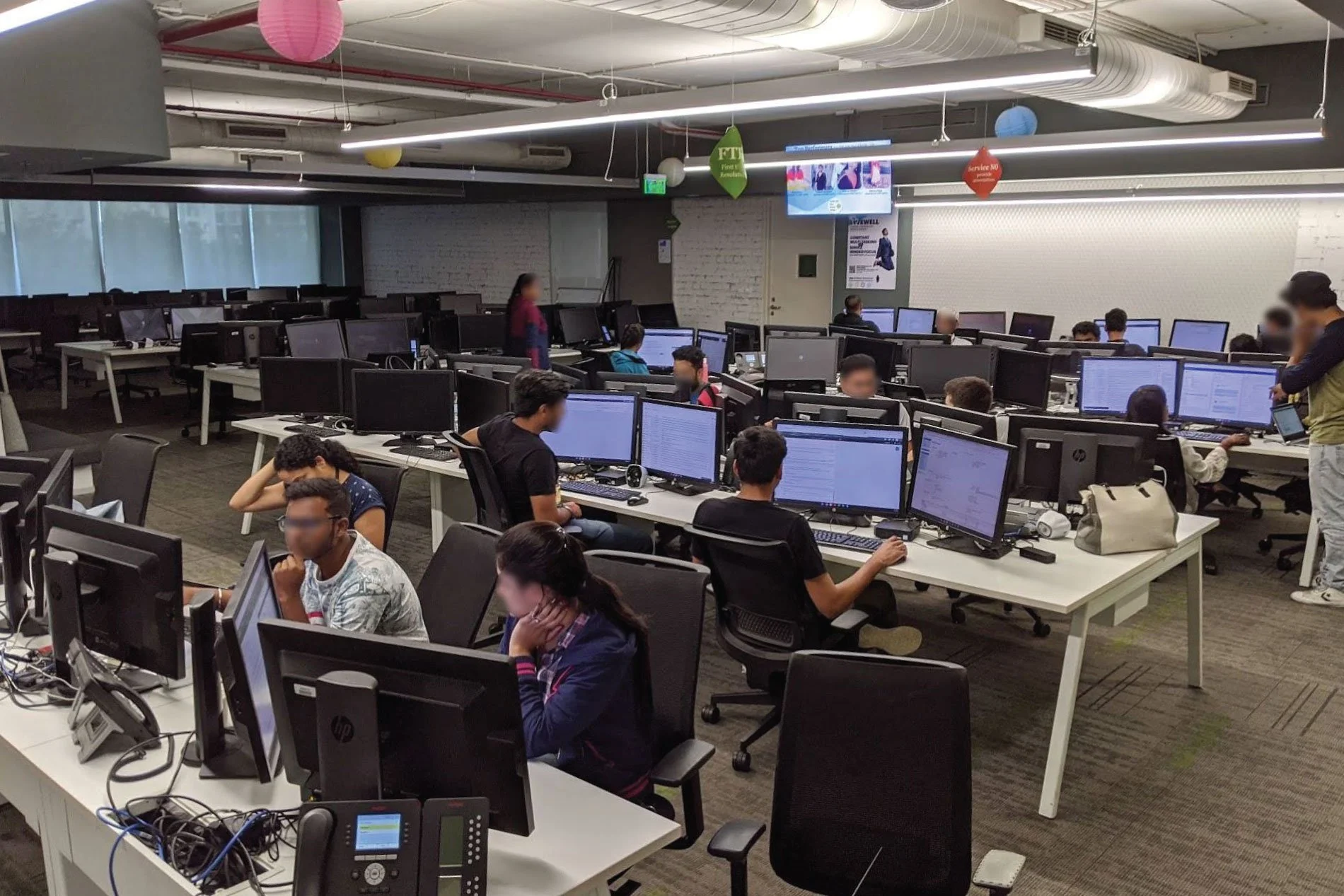
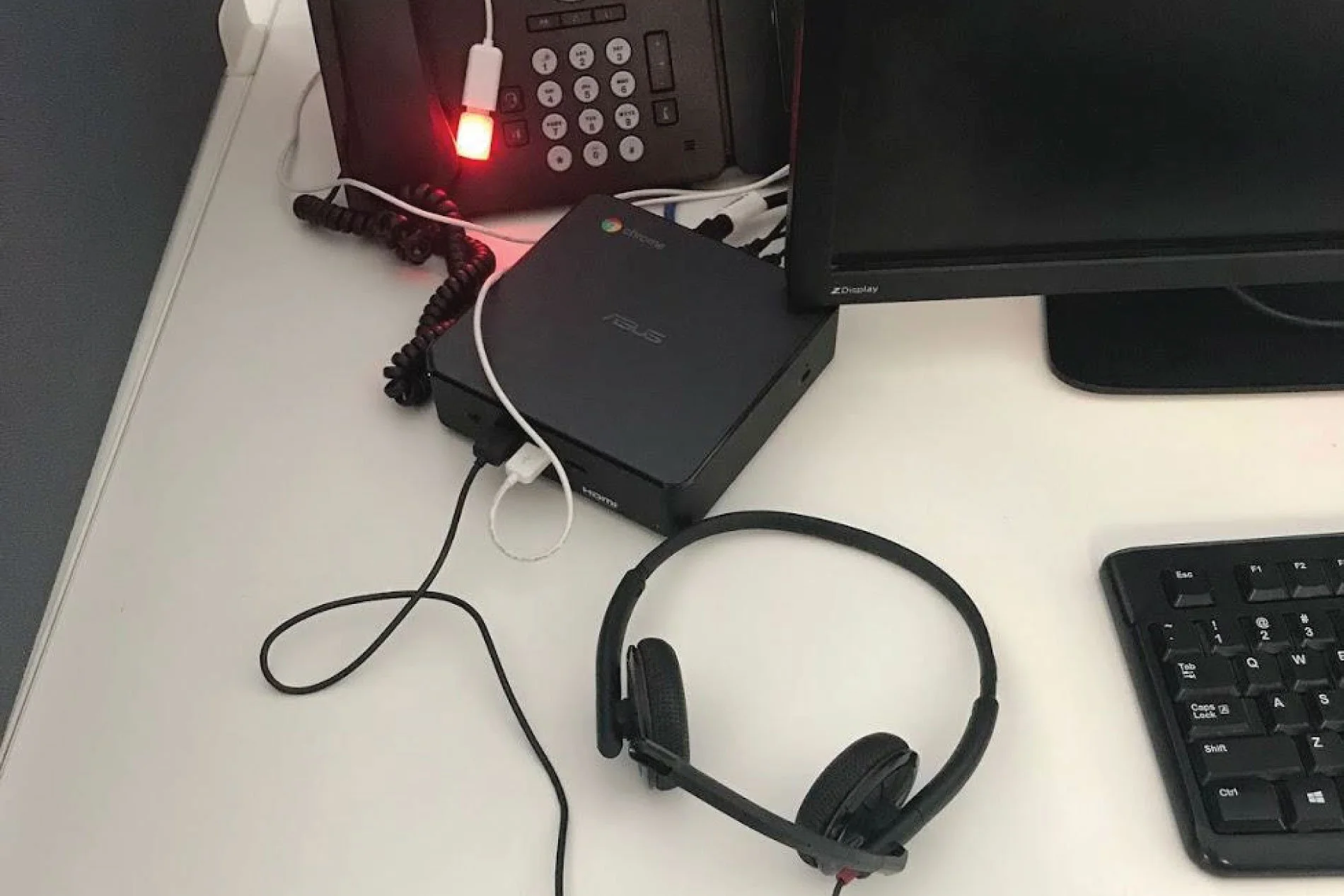
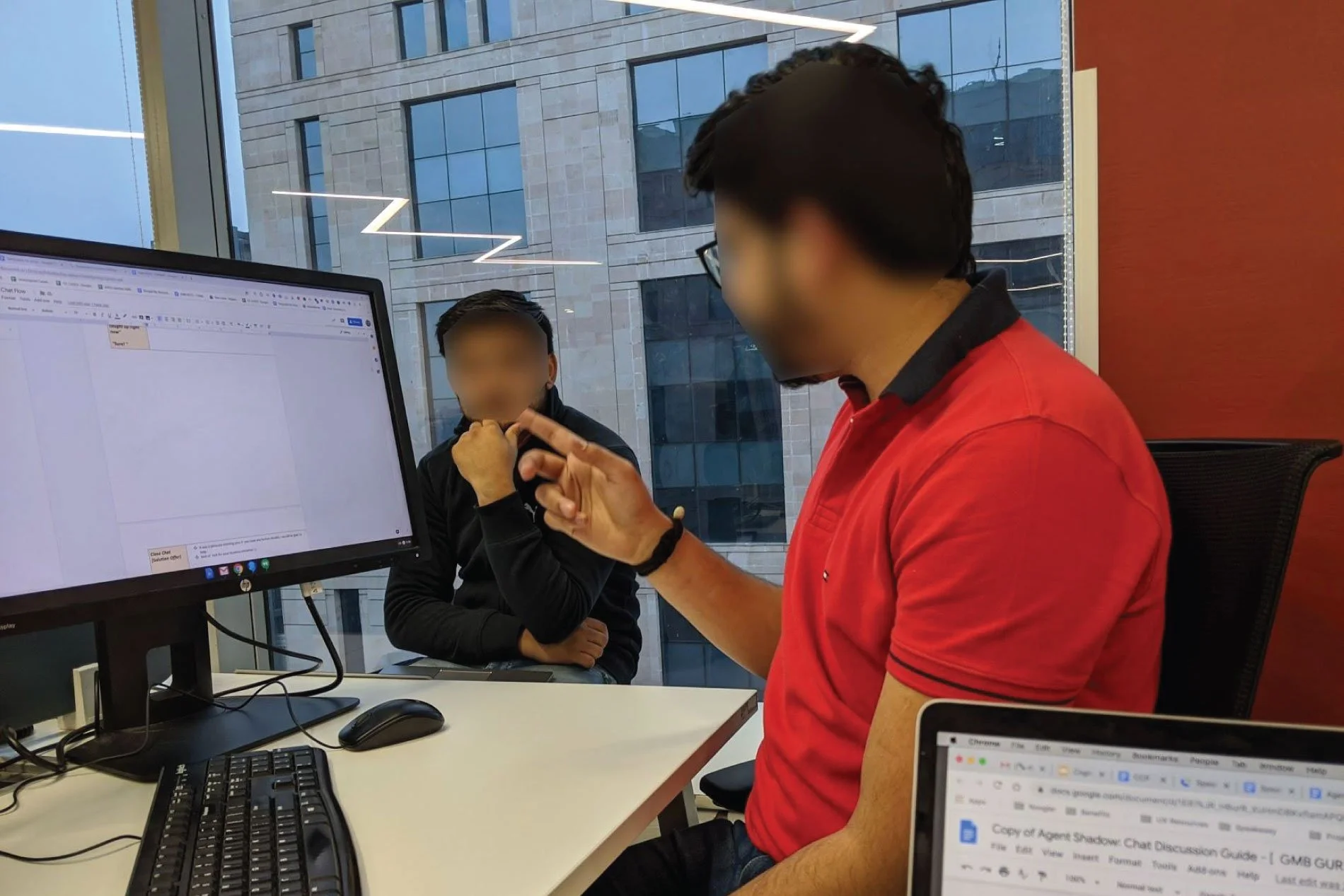
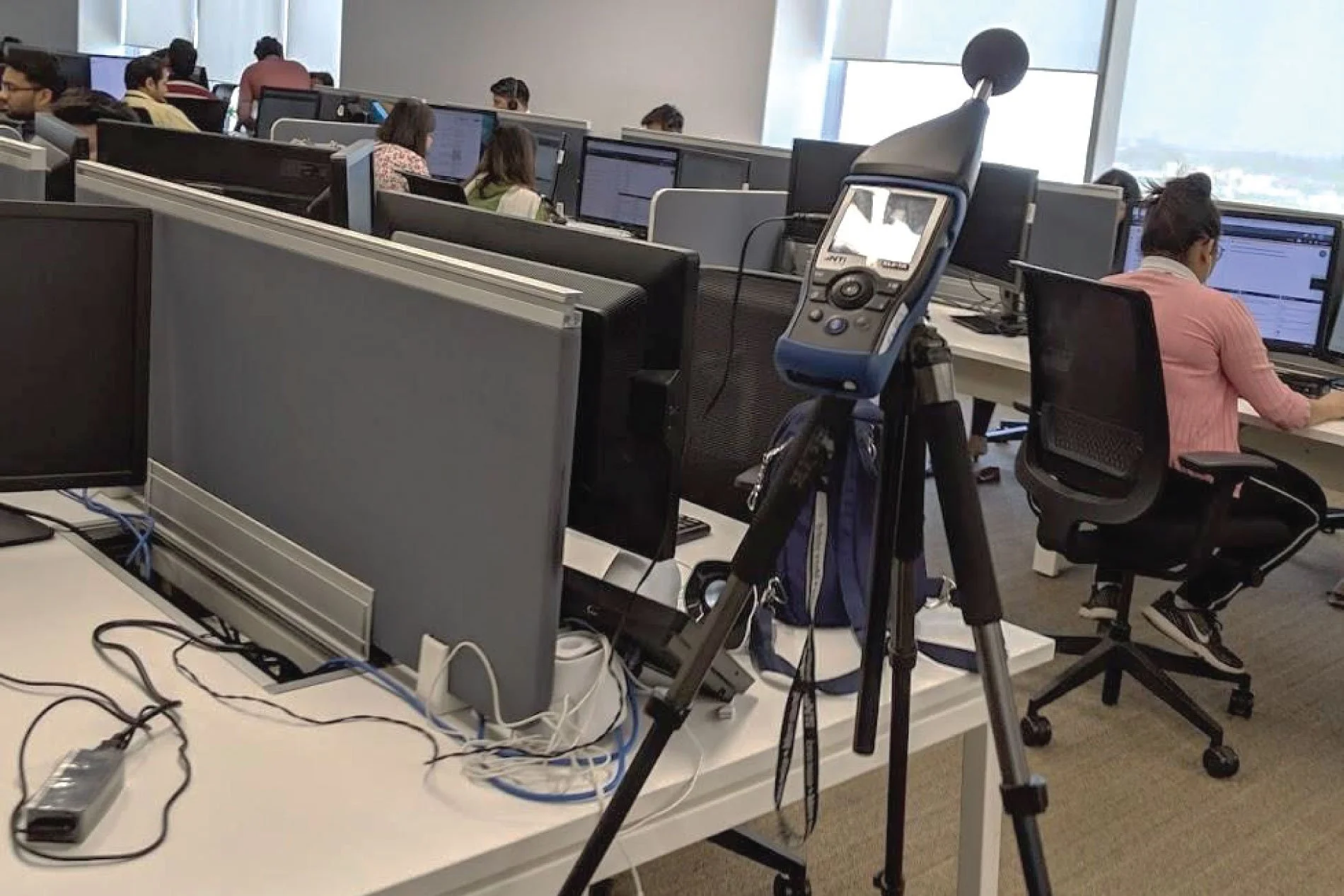
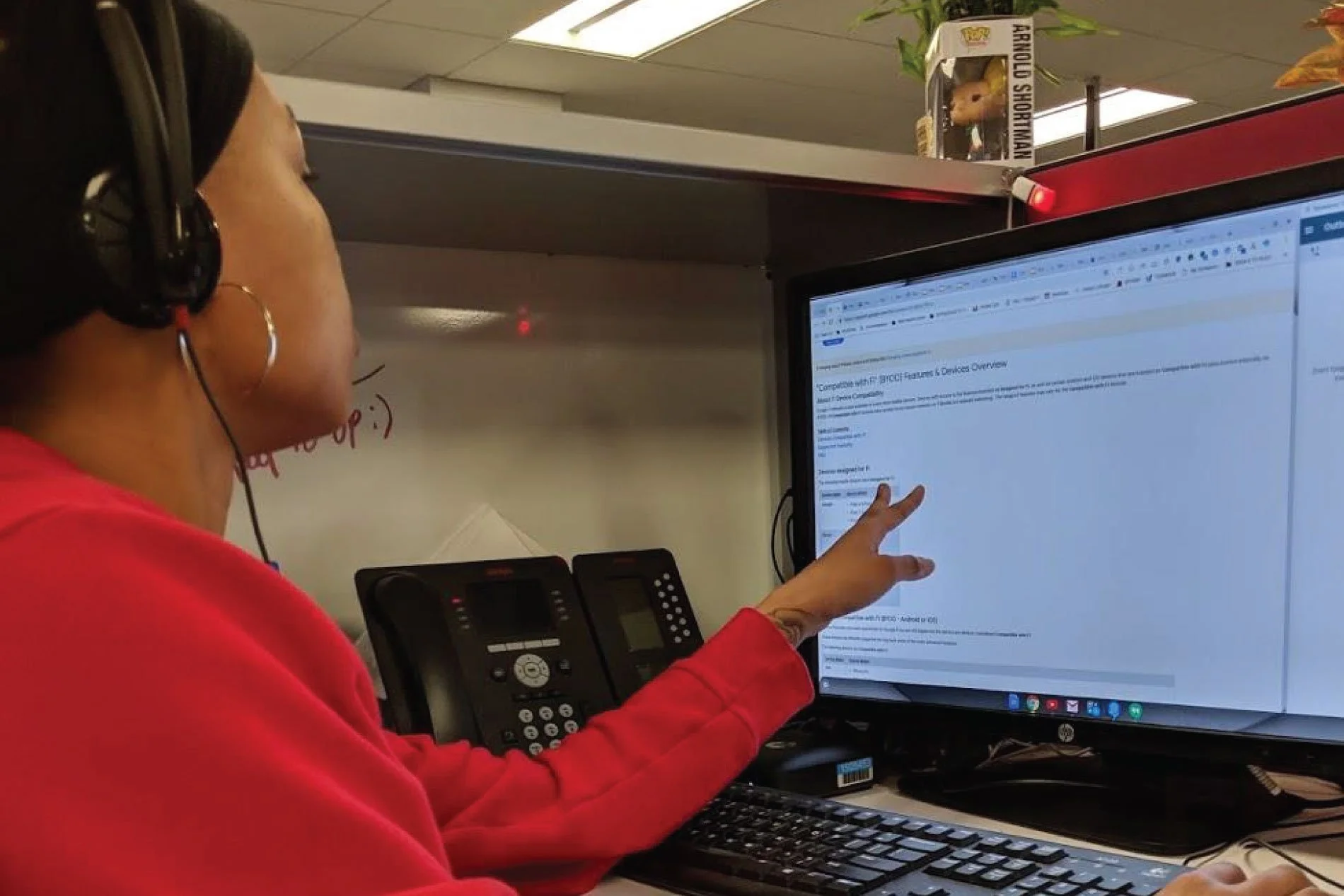
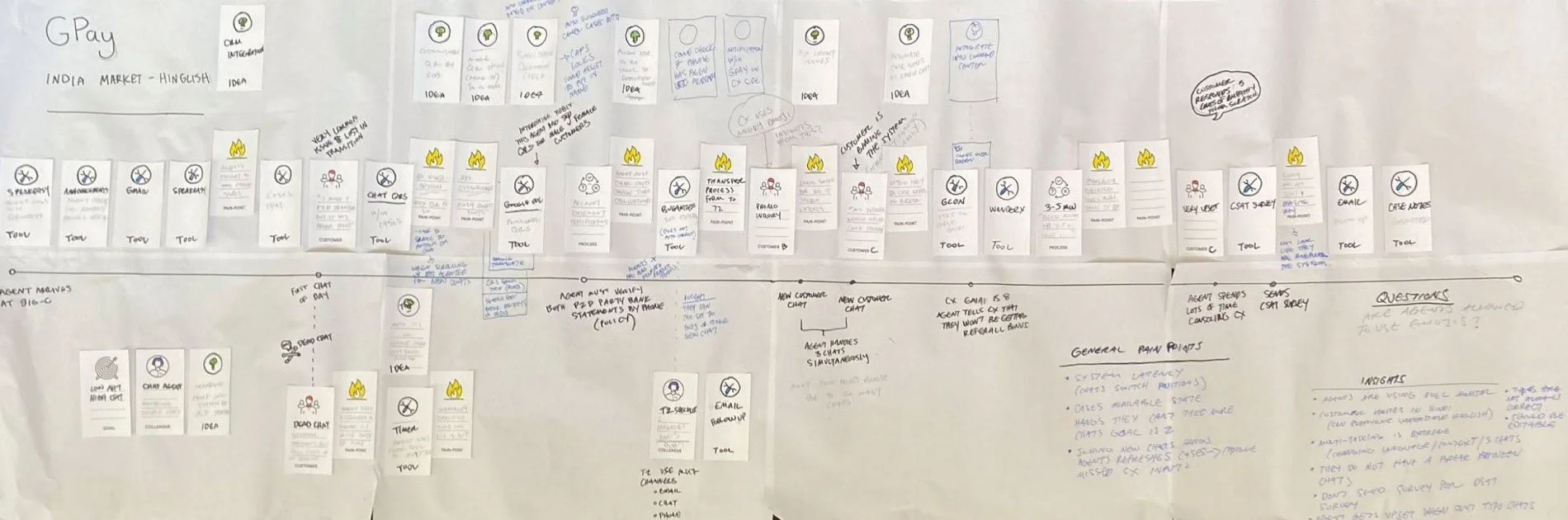
With no prior knowledge or experience in the contact center space, I recognized a need to learn directly from users. Alongside our UXR team, I helped establish quarterly in-field site-visits for our team to learn from, and empathize with, our users.
Google’s support centers exist across the globe and feature site-specific idiosyncrasies, as well as meaningful cultural differences. We began learning in India and spread to the Philippines, Japan, Argentina, Spain, and the United States.
Our Users
-

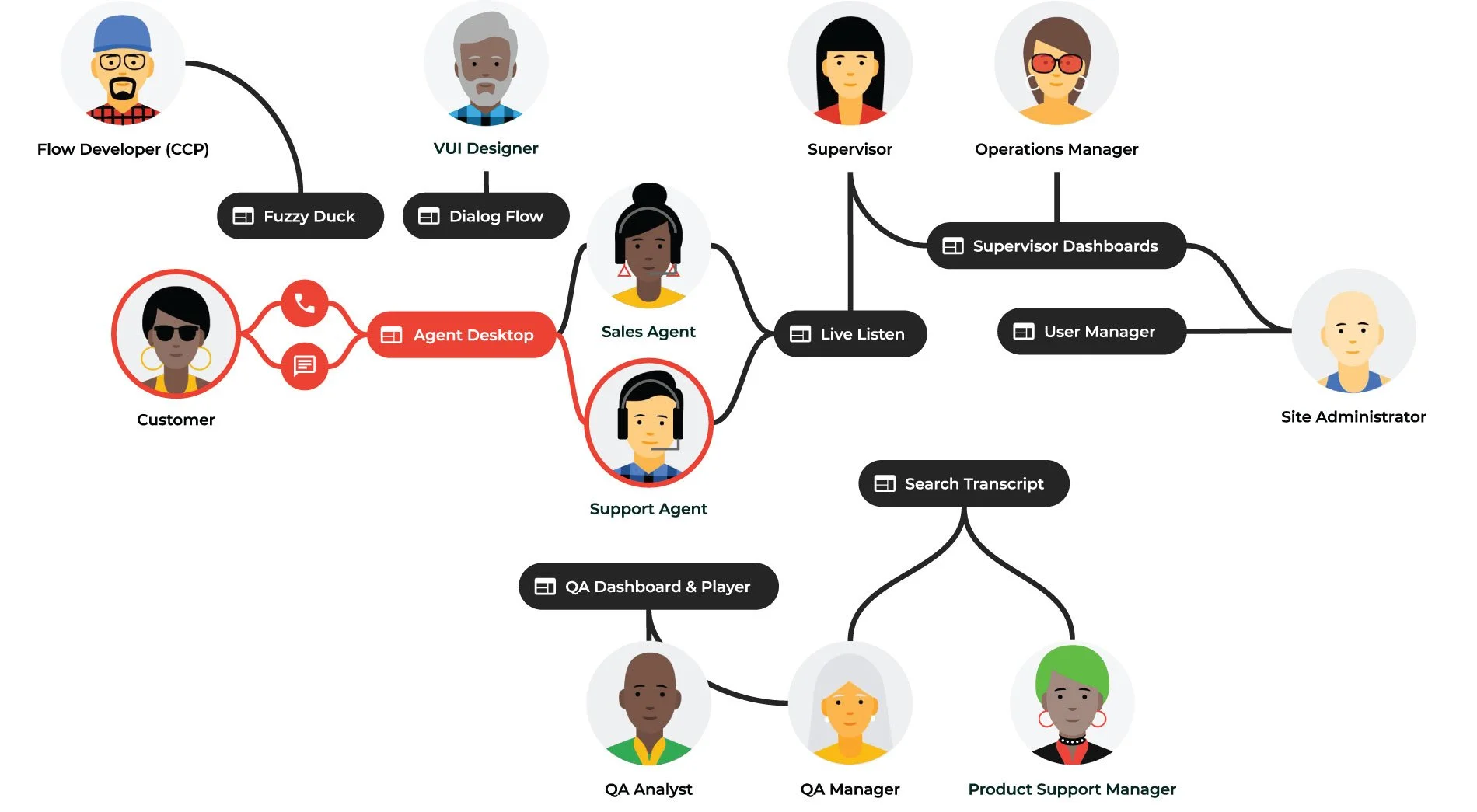
Flow Developer
Software engineers dedicated to the Contact Center Tools team who work with Google Product Owners to ensure interactive voice response (IVR) phone routing meets business needs.
-

VUI Designer
Conversation UX Designers who plan and execute natural language interactions between Customers and telephone IVRs. Collaborates with Google business owners to ensure solutions meet business needs.
-

Sales Agent
Frontline workers dealing directly with outbound sales for Google products (like Ads). Responsible for meeting sales and revenue targets set by their region’s management team.
-

Support Agent
Frontline workers dealing directly with customers. Responsible for meeting service-level agreements (SLAs) across customer quality and operational efficiency metrics.
-

Supervisor
Manages Agents. Ensures proper Agent staffing levels, adherence to Agent standard operating procedures (SOPs) and SLAs, etc. Accountable for meeting all operational efficiency metrics.
-

Quality Assurance Analyst
Responsible for Agents staying on-script/on-message and not violating compliance agreements. Will randomly audit past Agent conversations and score via a standard quality and compliance rubric.
-

Quality Assurance Manager
Manages QA Analysts and ensures they are performing audits appropriately. Ultimately responsible for the CCB’s quality SLAs.
-

Operations Manager
Manages all roles in a Contact Center and is responsible for adherence to all topline Contact Center Business (CCB) SLAs (inclusive of quality and performance).
-
Product Support Manager
Dedicated Google Business Unit support manager, on-site at a contact center, who ensures that the service meets business needs and objectives. Has line-of-sight into product roadmaps and updates.
-

Site Administrator
Dedicated Google Contact Center administrator that is responsible for the overall performance of the contact center (which usually serves multiple businesses across multiple markets).
Contact Center Ecosystem
Contact centers consist of many users and tools, all working together to deliver seamless customer support. Each user’s toolchain typically has 1-3 application surfaces that must be used simultaneously (think: a Support Agent talking on the phone, looking up a customer record, and also fixing/changing something on behalf of the customer in the underlying product infrastructure.
While there are many roles throughout the Contact Center, focusing on Support Agents and their tooling provided the highest impact potential to begin with.
Focus and fatigue were two levers to maximize and minimize in order to allow an Agent to do more: handle more calls, support more products, and deliver better customer quality.
3, 2, 1, Workshop!
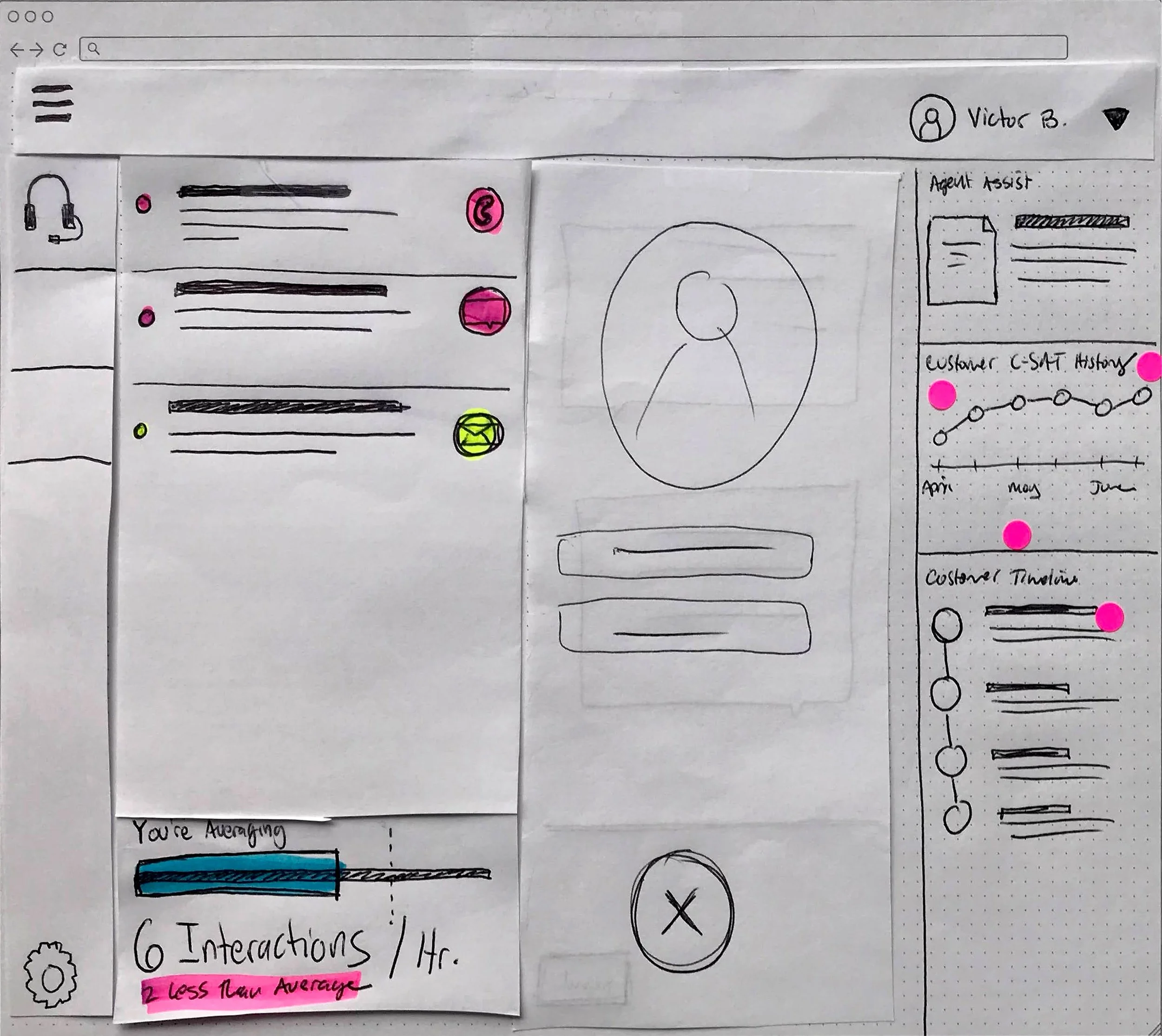
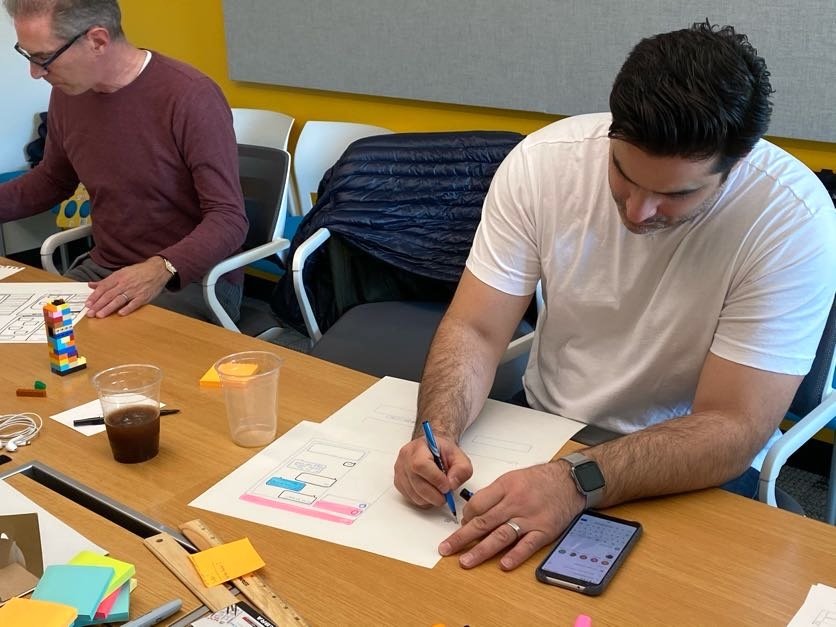
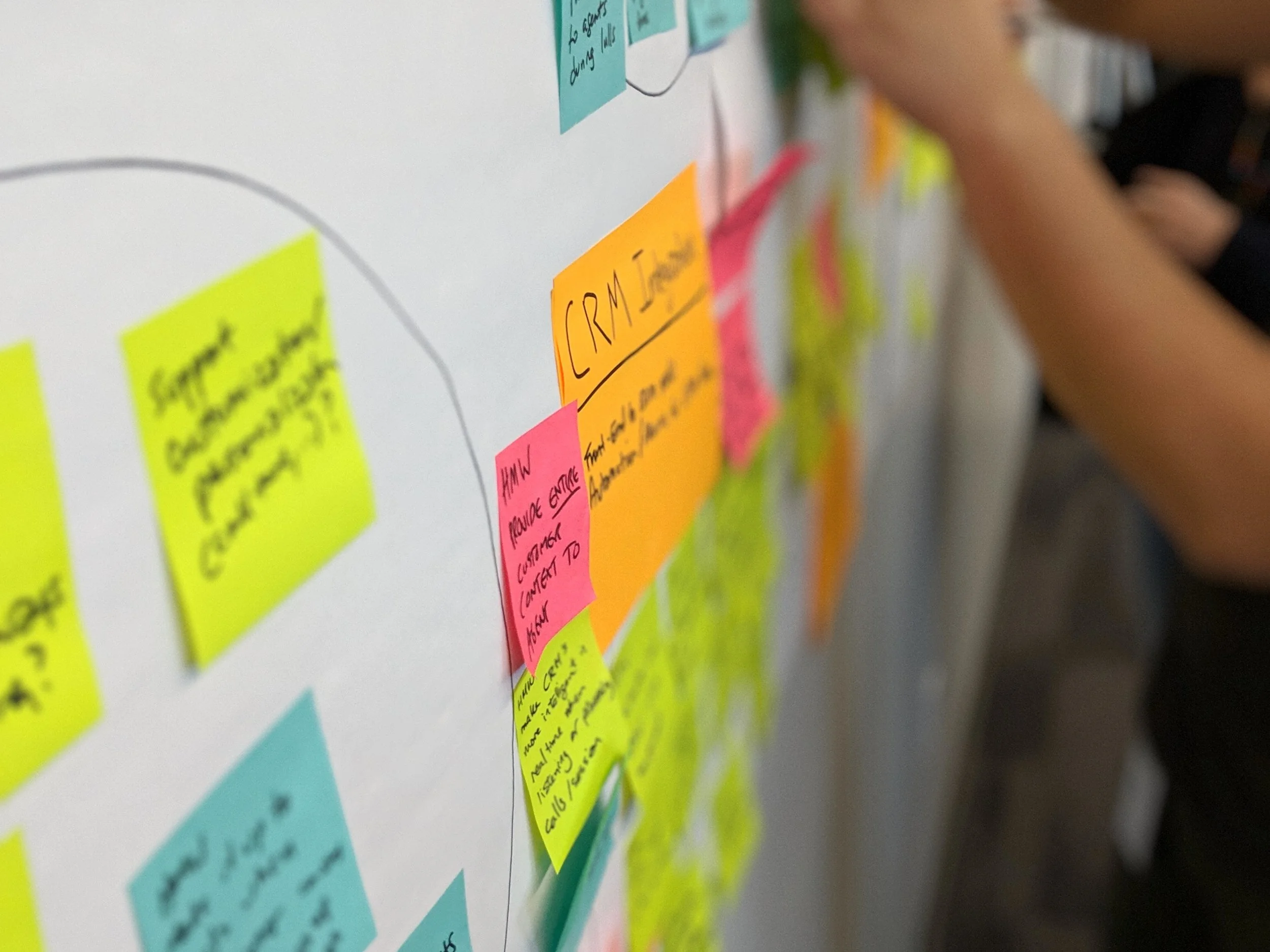
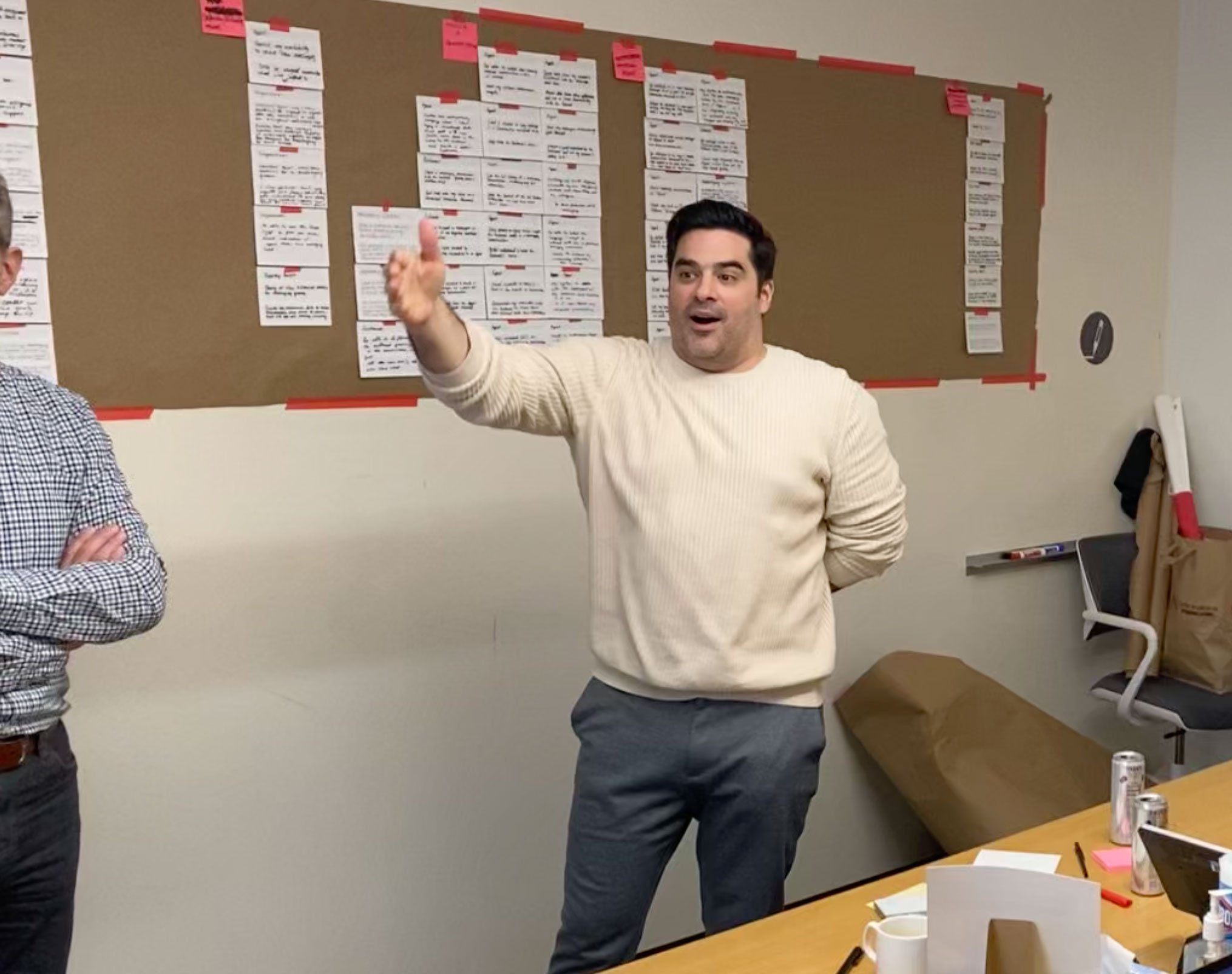
After distilling research insights from our site-visits, I facilitated a Design Sprint to help the cross-functional team translate insights into ideas.
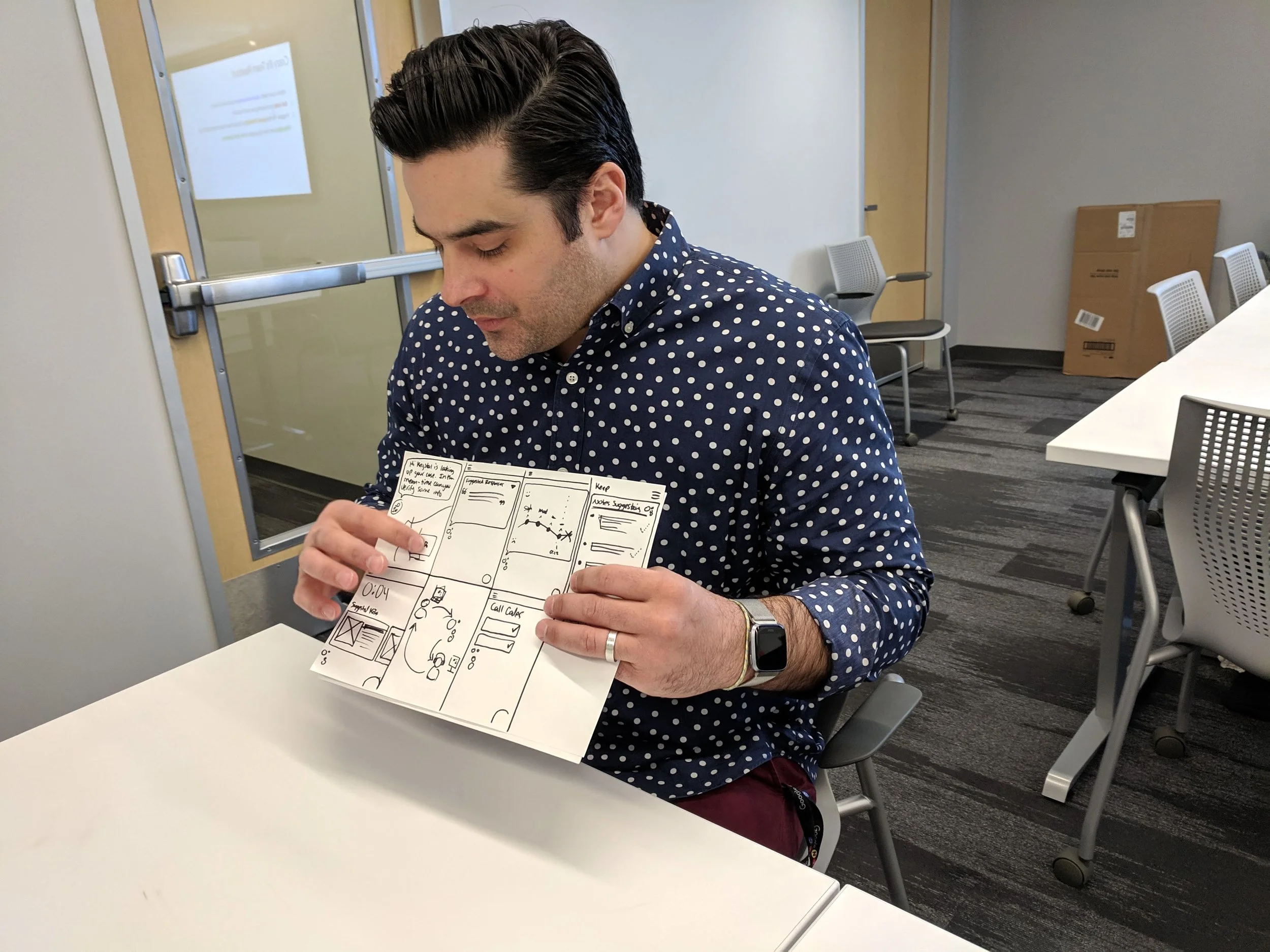
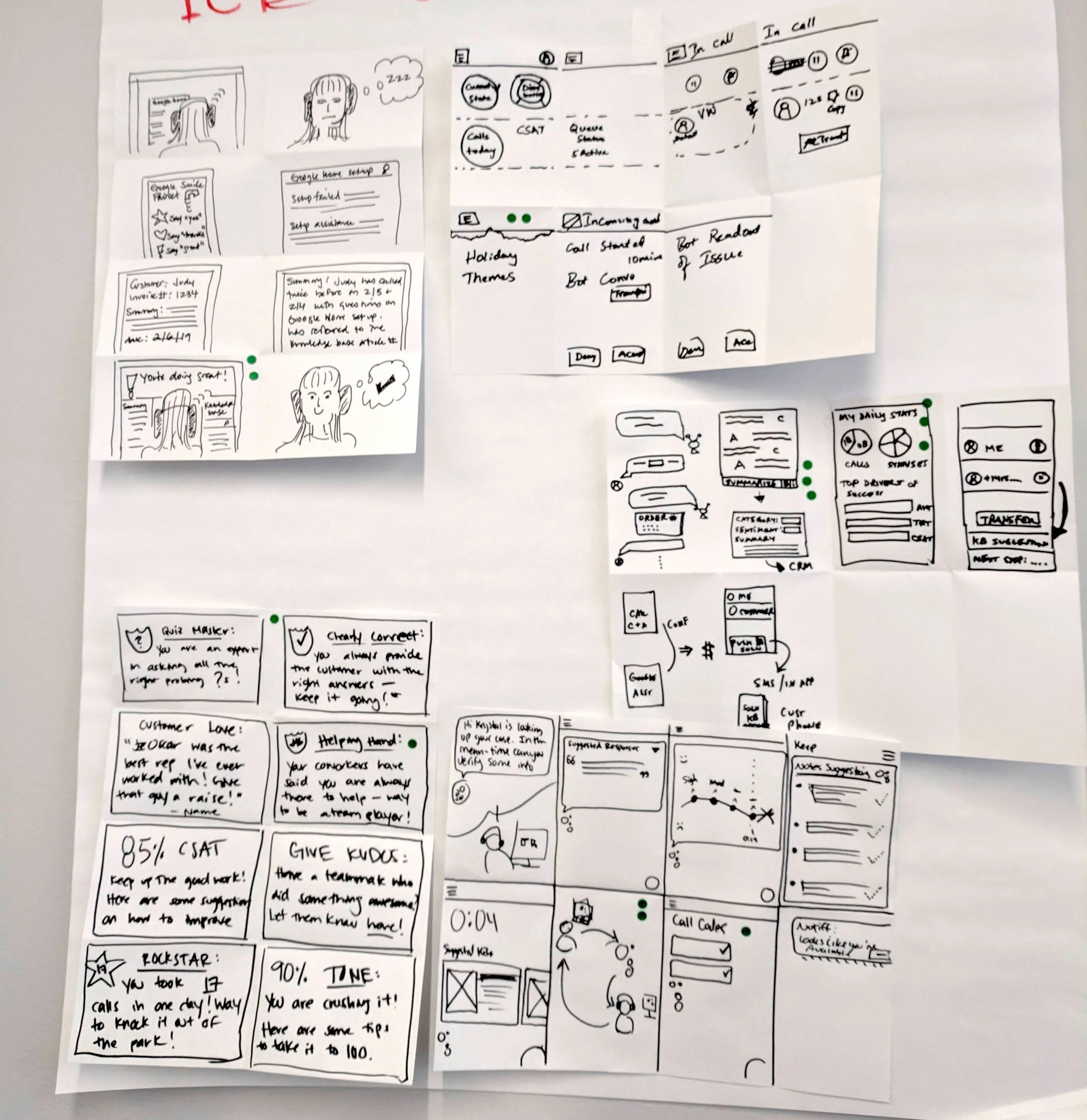
Lots of Ideas
We began ideating with a focus on the Agent experience, and broadened out to other users and workflows that could positively impact the Agent’s ability to deliver better quality for customers, more often, without losing focus.
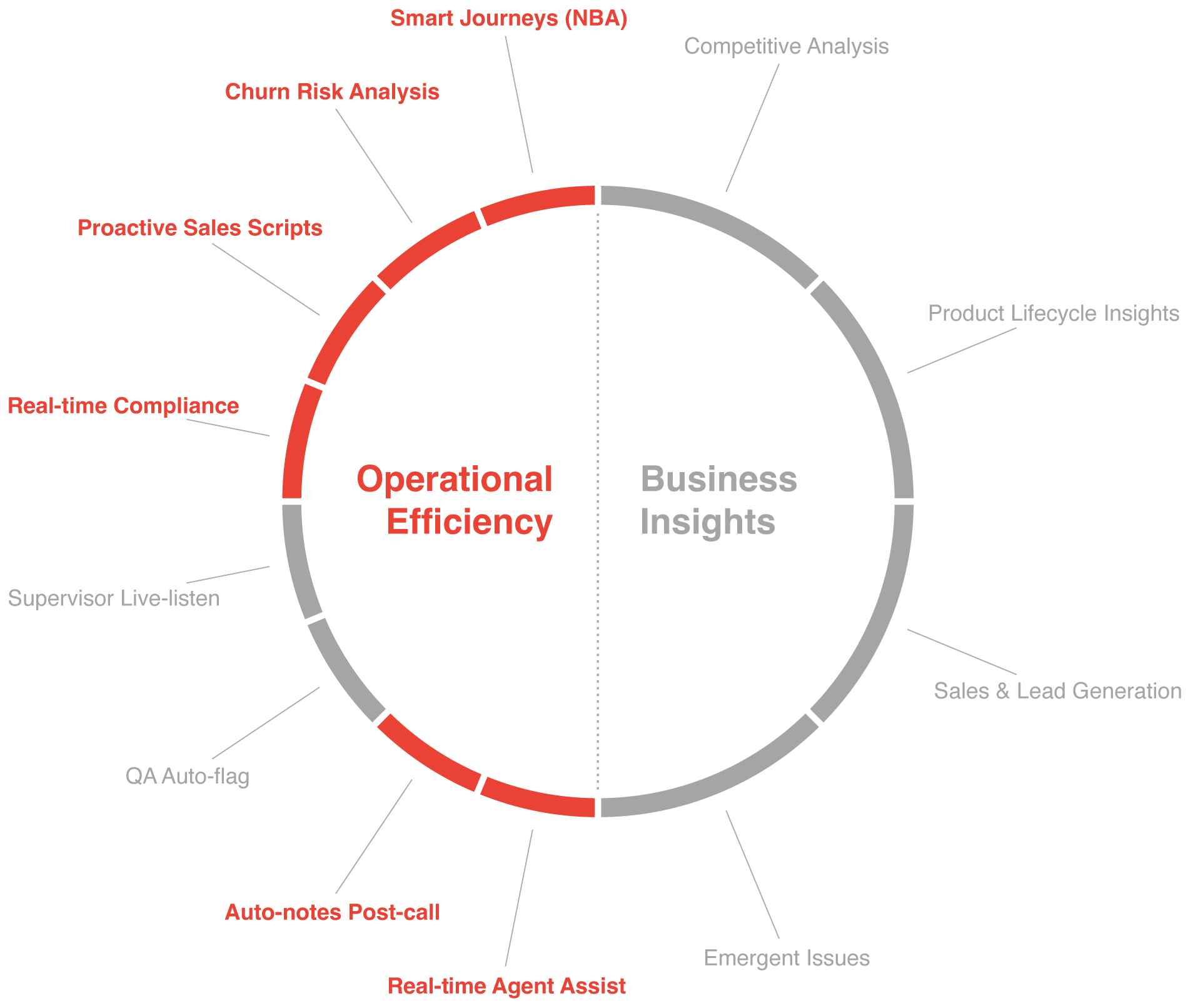
In doing so, we saw our ideas falling into two buckets: Operational Efficiency and Business Insights. Through end-of-sprint validation and a business-case impact-analysis, we decided to focus on the following AI-powered ideas because they represented the lowest effort with the highest impact:
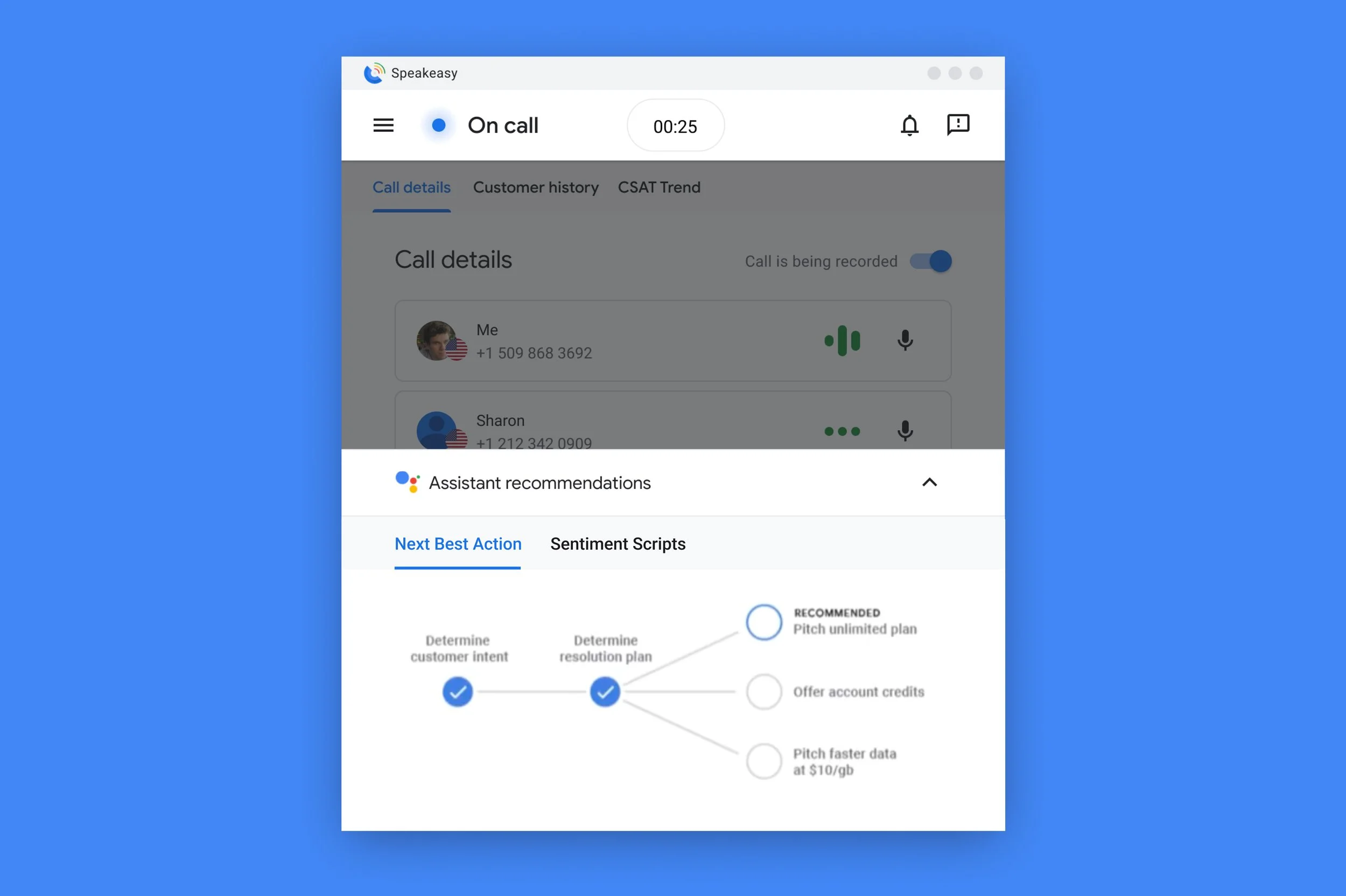
Smart Journeys: Next Best Action (NBA): Proactively suggest the next logical step in customer service.
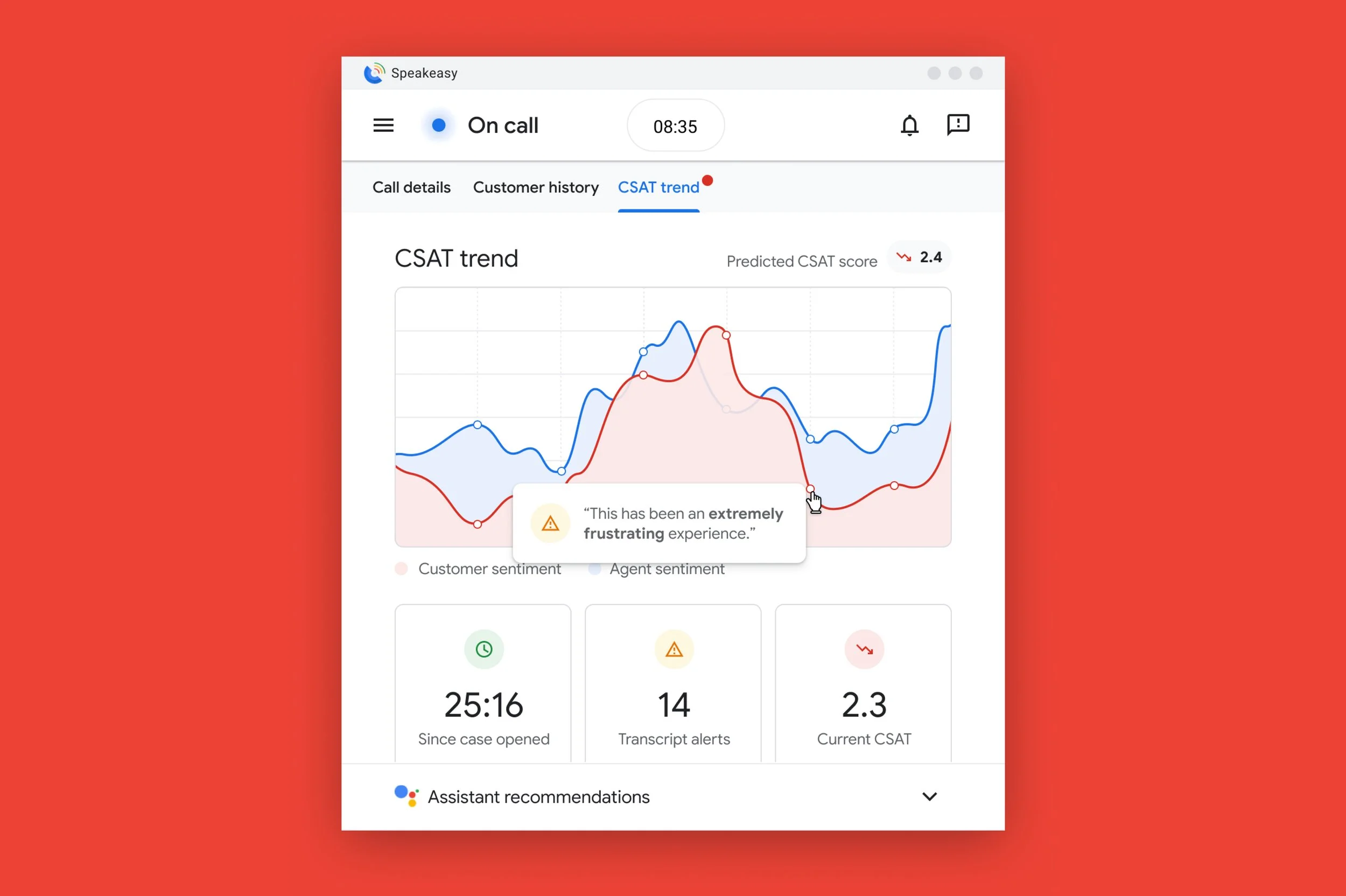
Churn Risk Analysis: Analyze customer sentiment to prevent account churn.
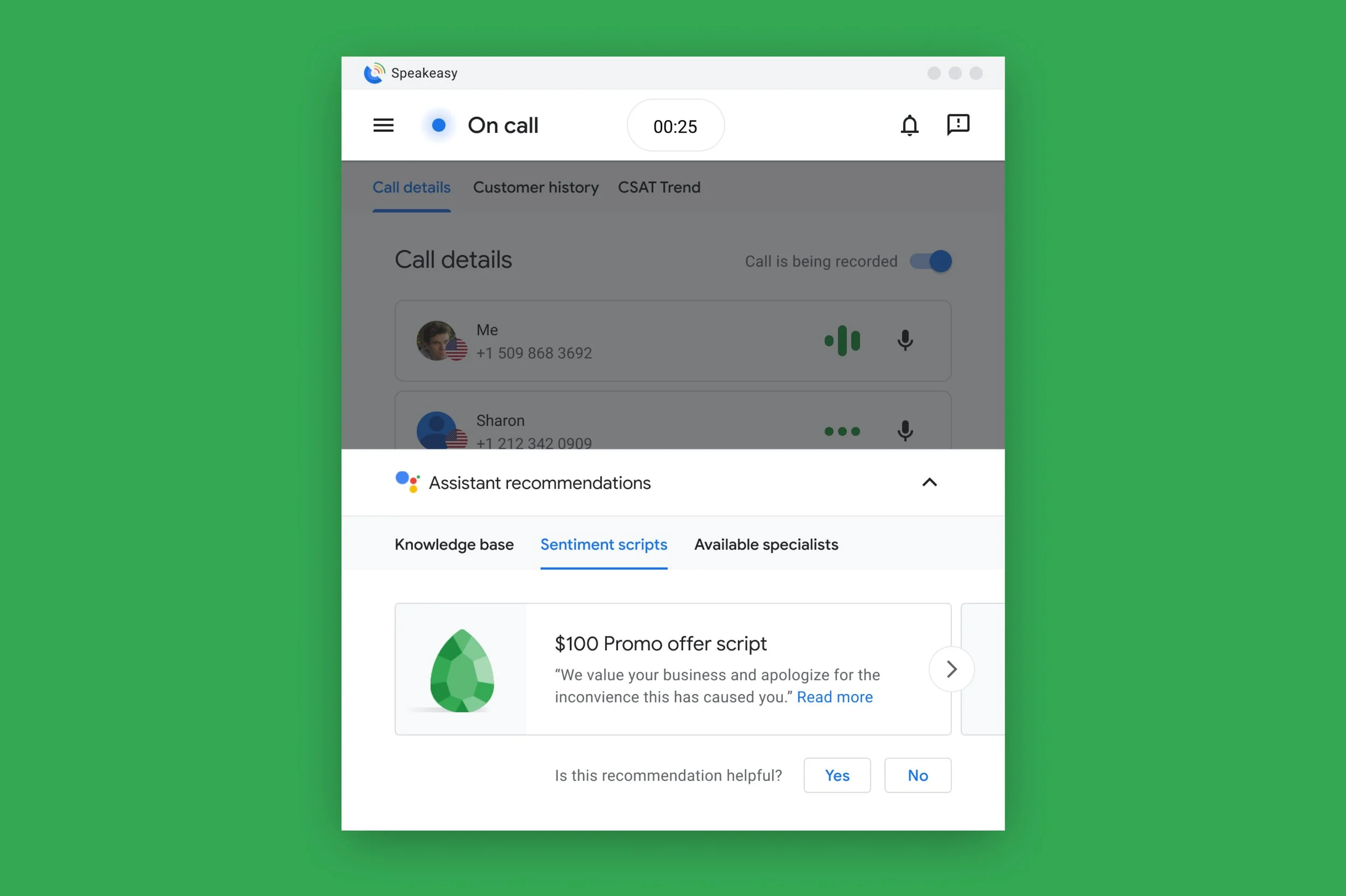
Proactive Sales Scripts: Based on real-time conversation topics and the customer’s disposition, surface appropriate call scripts.
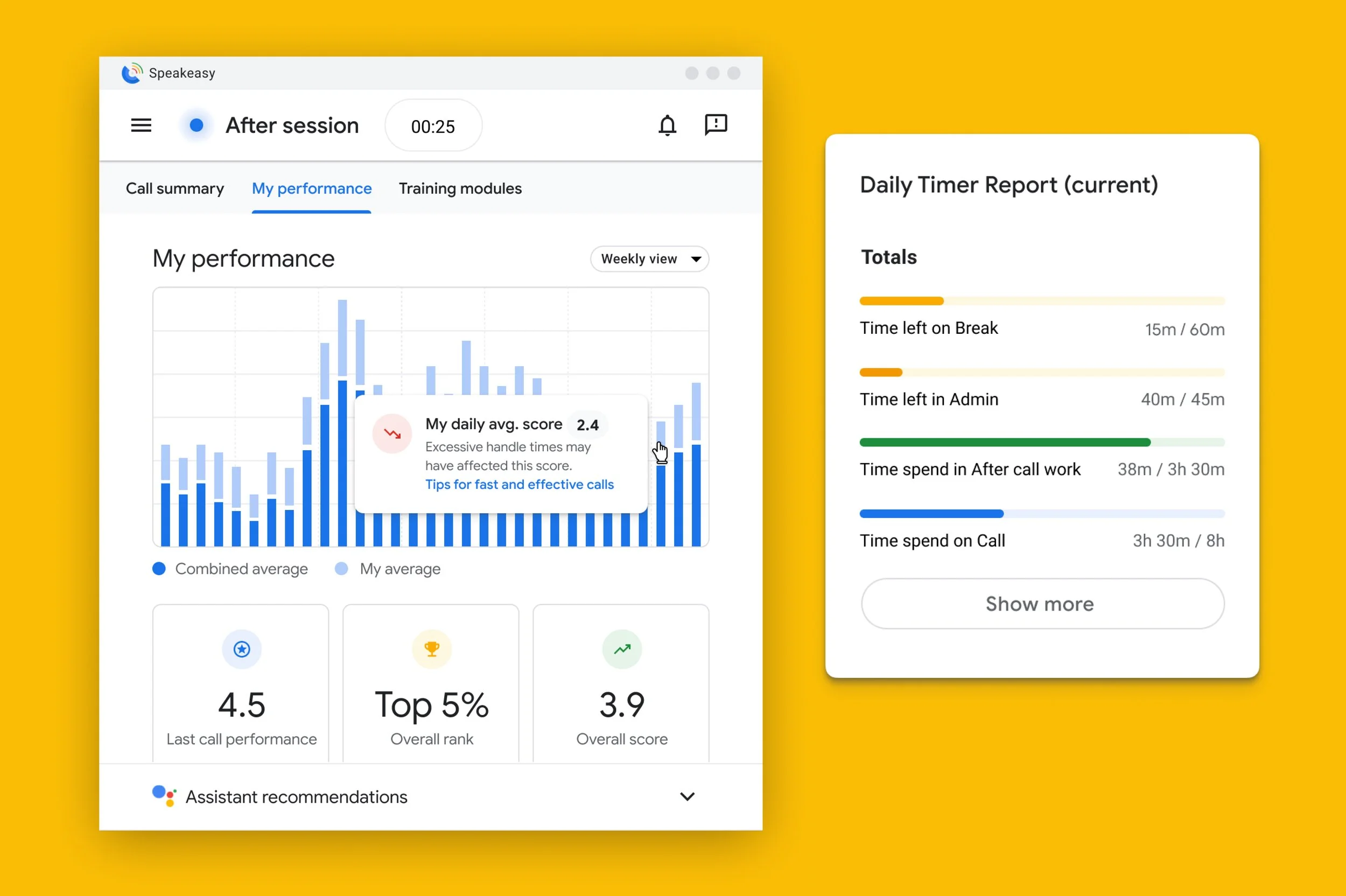
Real-time Compliance: Ensure compliance measures (like recording consent) are met for every conversation.
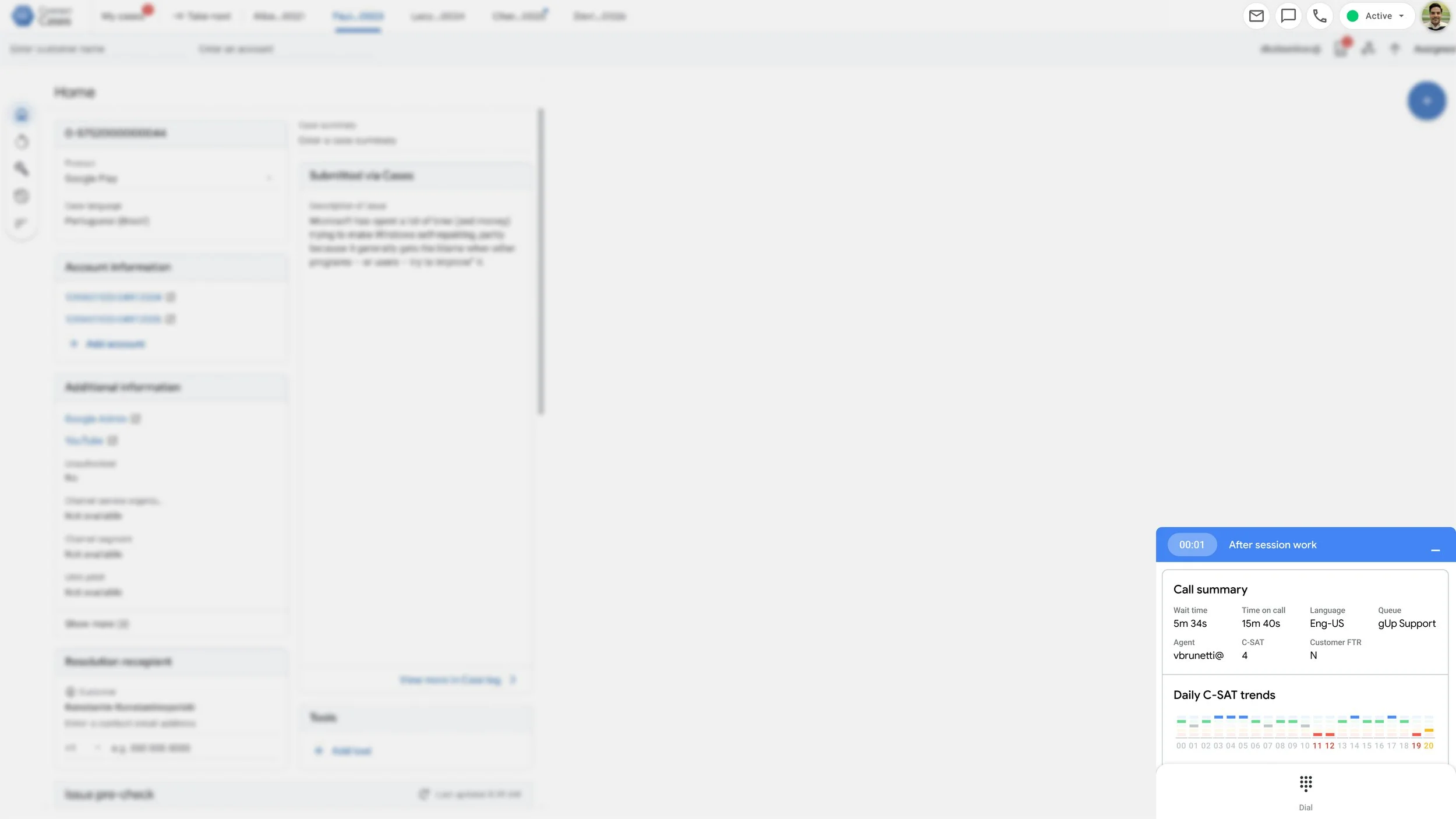
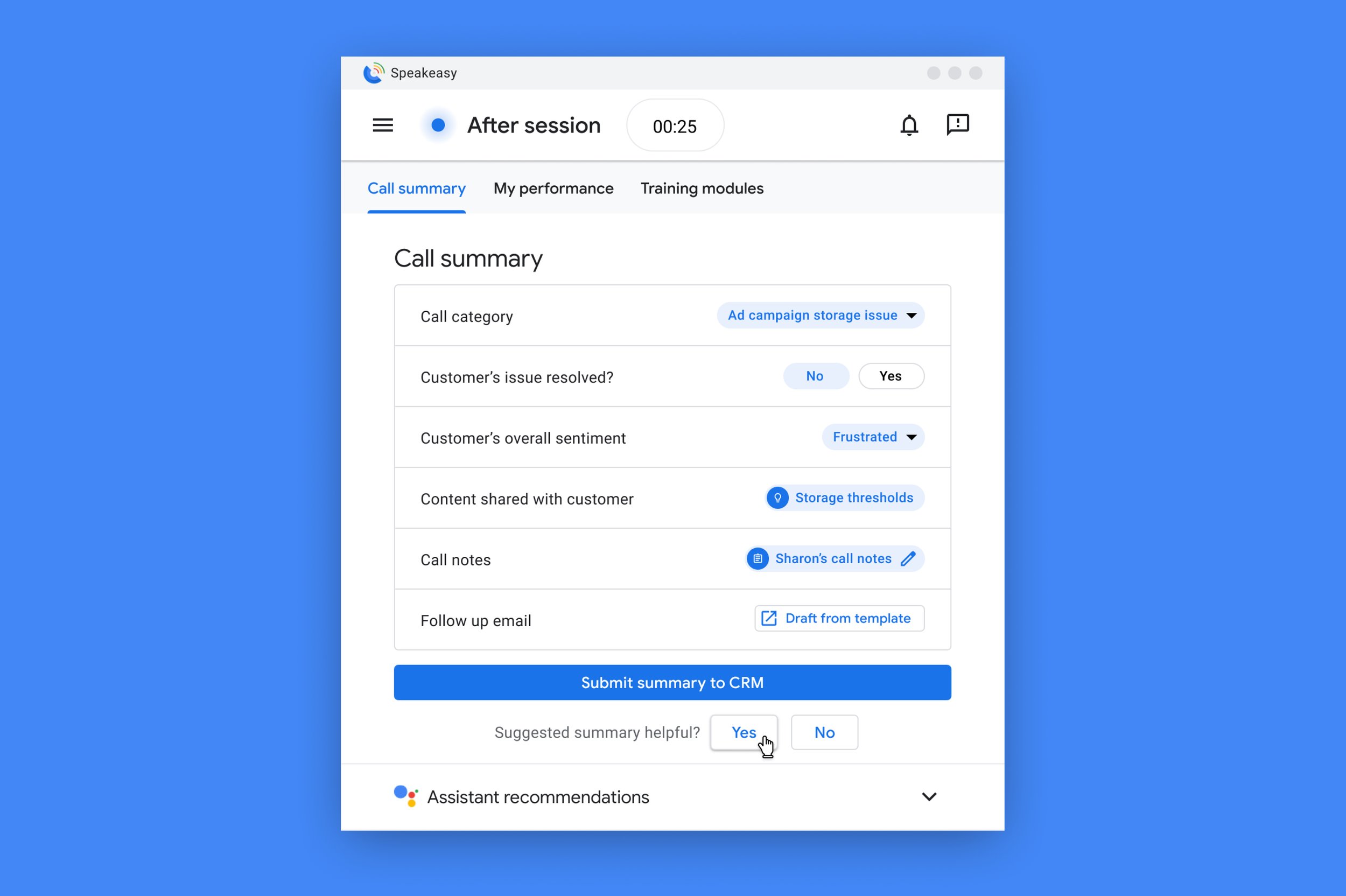
Auto-notes Post-call: Speed-up after-session work by automating call notes and CRM input so that Agents can go available more quickly.
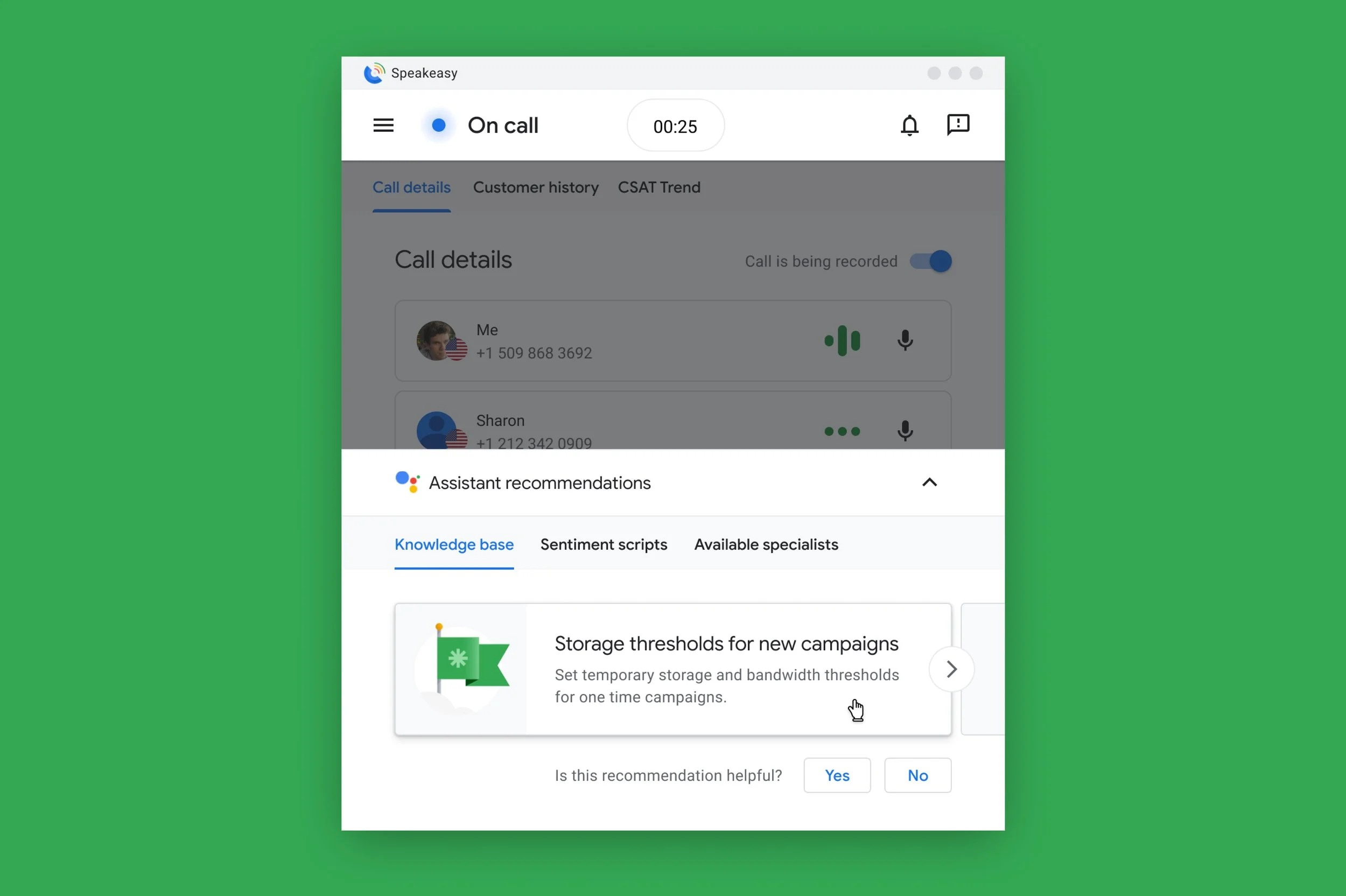
Real-time Agent Assist: Listen to the conversation and recommend help & support articles as-appropriate.
Initial Concepts
-
![Smart Journeys: Next Best Action]()
Smart Journeys: Next Best Action
Customer needs triage is basically one large decision-tree. Based on the context of the conversation, our AI-insights proactively suggested to Agents what to do next.
-
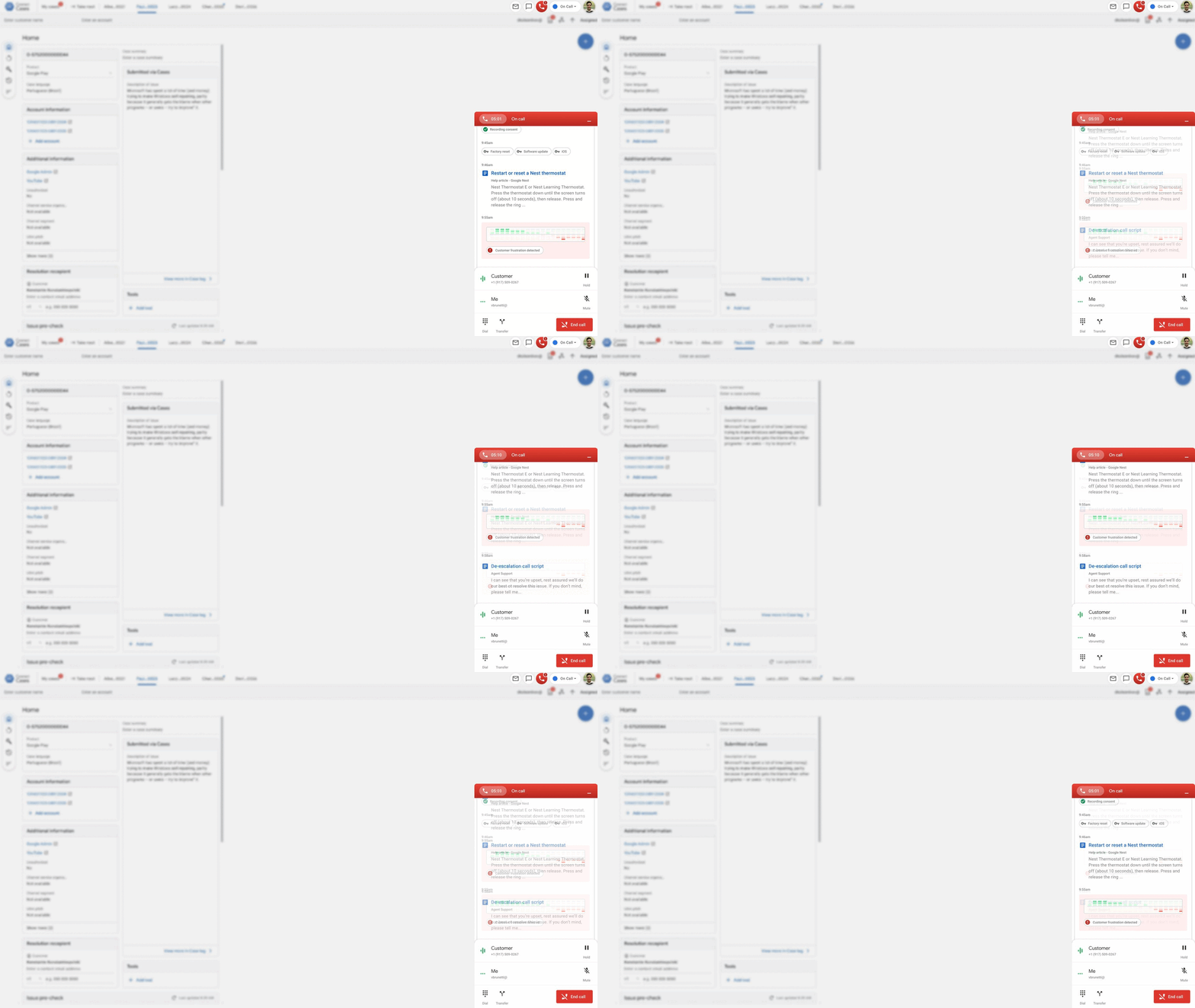
![Churn Risk Analysis]()
Churn Risk Analysis
Using natural language pipelines, we analyzed customer sentiment in real-time and identified when a conversation was at-risk of a D-SAT/represented a churn-risk.
-
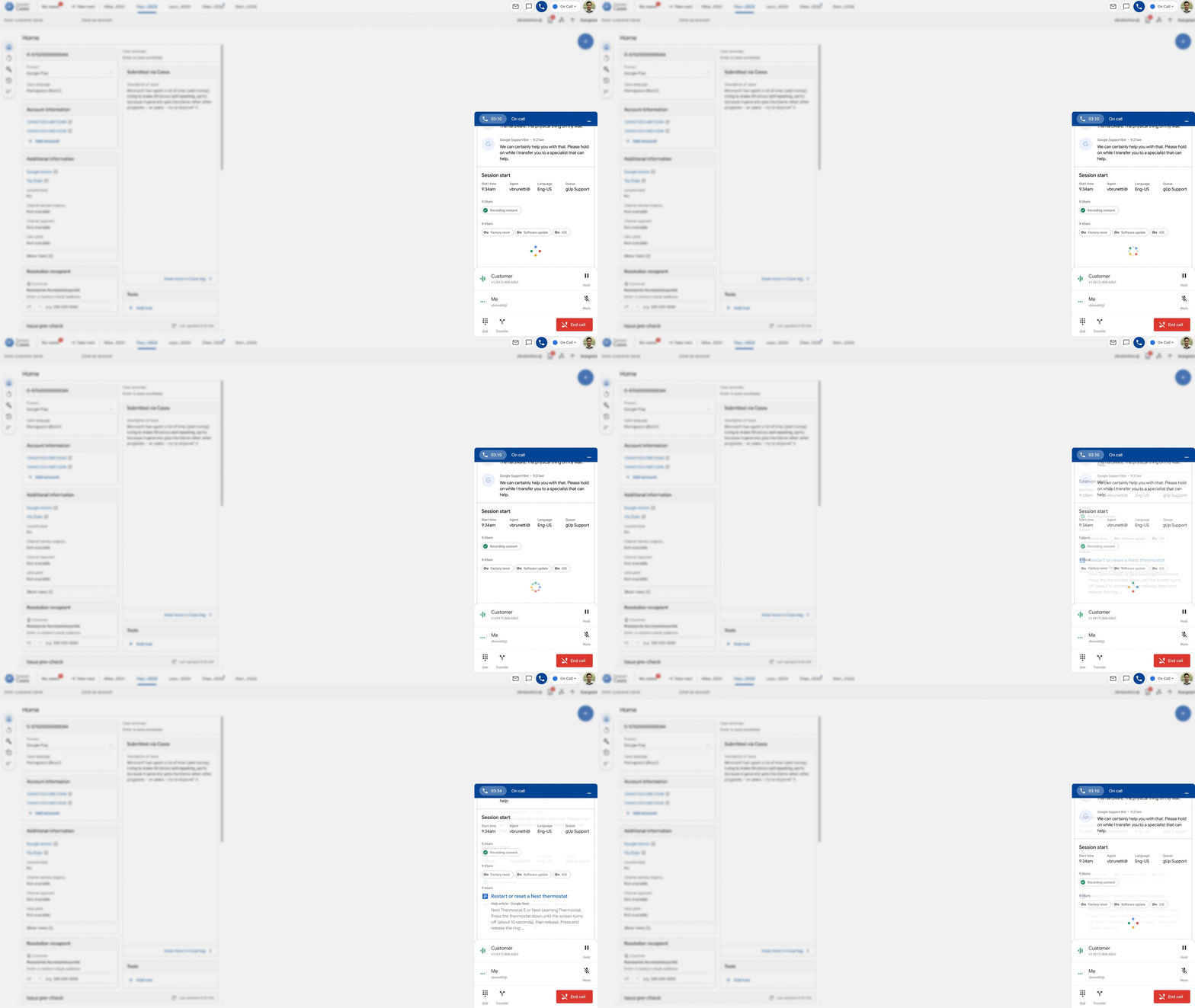
![Real-time Agent Assist]()
Real-time Agent Assist
Based on conversation context, our AI-tools suggested resources for both customers and Agents, cutting call times and ensuring customers were given the most appropriate solutions to their needs.
-
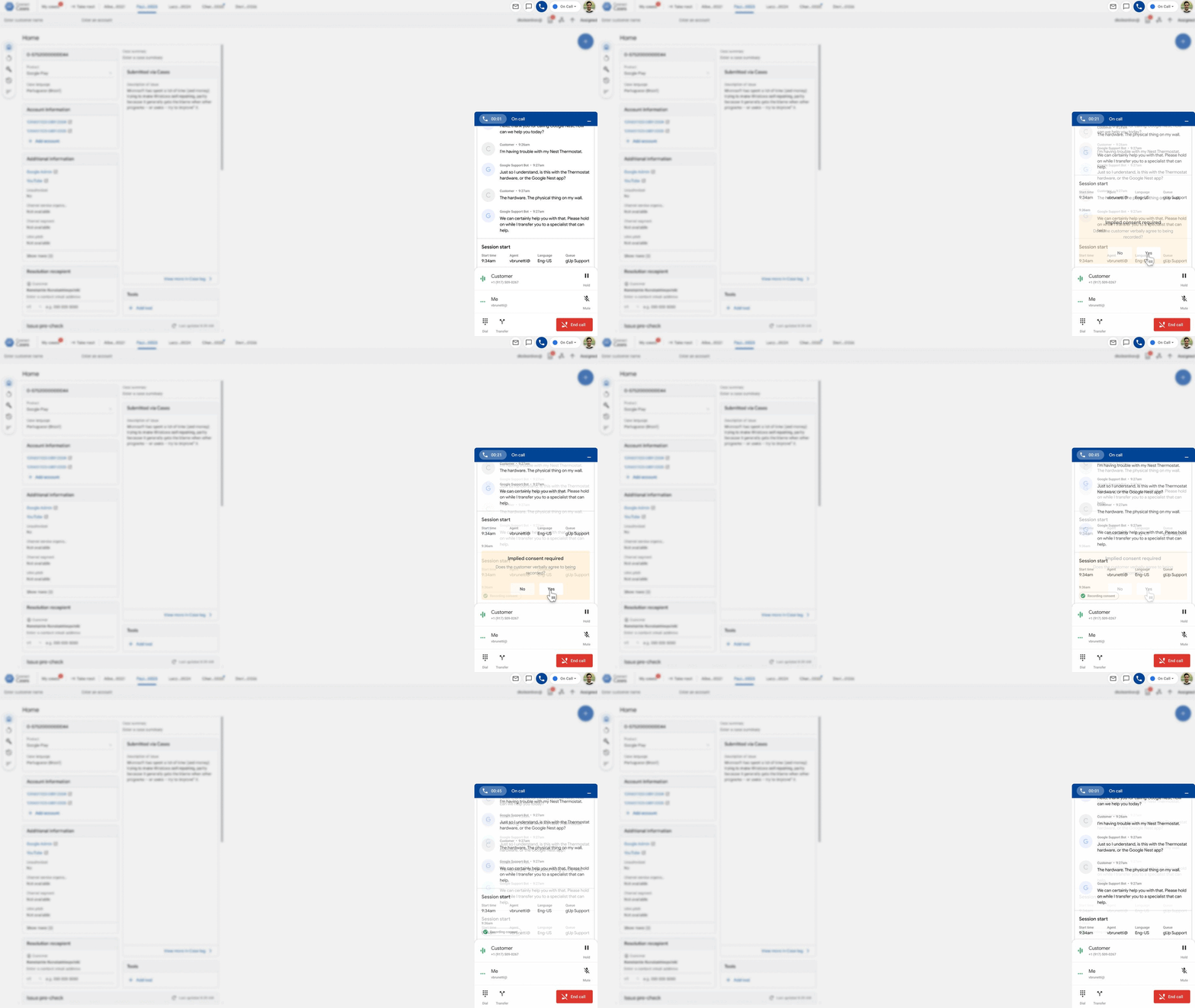
![Real-time Compliance]()
Real-time Compliance
Agents have a number of SLOs to meet per-shift: from delivering customer quality, to how their time is spent. We envisioned integrating and visualizing these in various locations throughout the Agent Desktop.
-
![Auto-notes Post-call]()
Auto-notes Post-call
To save Agents time and allow them to go available sooner (to take another call), we used AI to analyze the previous call, summarize call notes, and save the record in the BU’s CRM of choice.
-
![Proactive Sales Scripts]()
Proactive Sales Scripts
Based on conversation context, the Assistant could recommend to Agents specific call scripts, tailored to the customer and their exact context (I.E. product mix/tier, locale, etc.) in real-time.
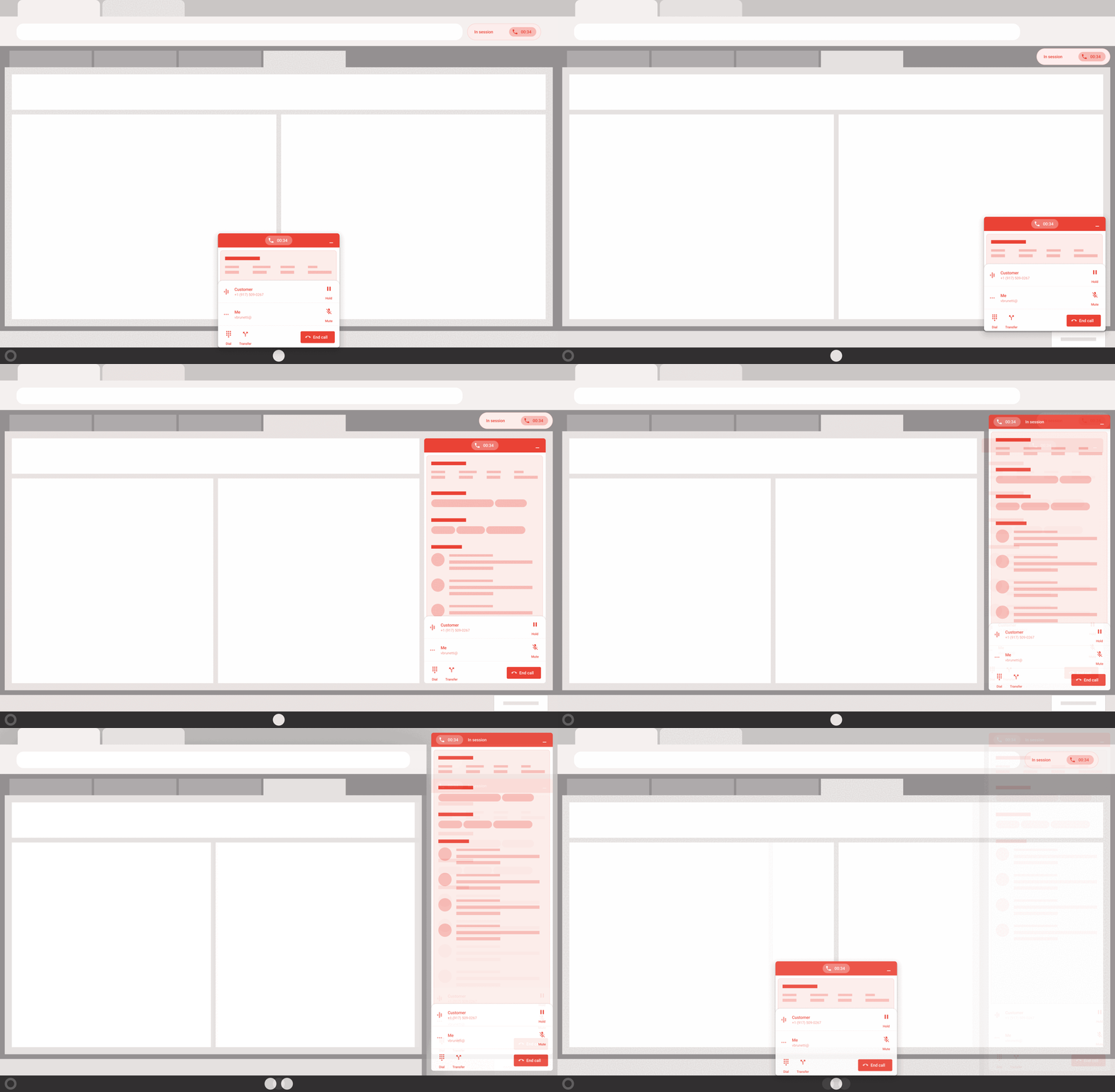
An Integrated, Extensible Footprint
Making the vision work within the Agent’s toolchain, we focused on integrating with the CRM (where the eyeballs were). Because different business units had different software stacks (CRM, BU-specific tools, etc.), we build the Agent Desktop to be flexible so that it could be packaged into:
The Chrome browser
Salesforce
Google Cases (Google’s own CRM)
Or live as a standalone desktop application
In all cases, AI insights were presented inline as a feed, with deep integration into the BU’s CRM of choice.
A New Vision
Launching the Smartphone in Google Cases
-
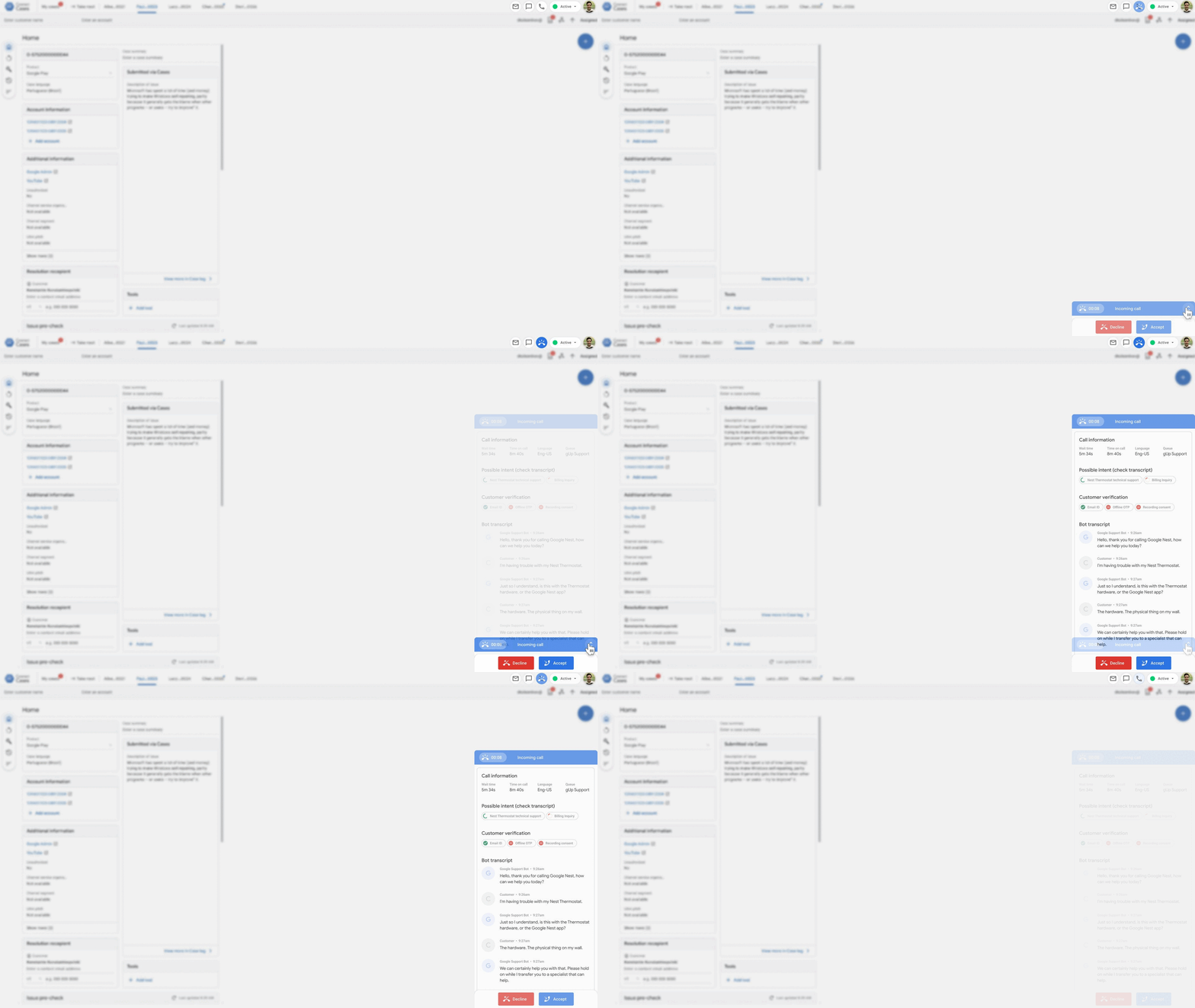
![Incoming Call]()
Incoming Call
-
![Real-time Compliance]()
Real-time Compliance
-
![Real-time Agent Assist]()
Real-time Agent Assist
-
![Customer SAT Tracking]()
Customer SAT Tracking
-
![After Call Work]()
After Call Work